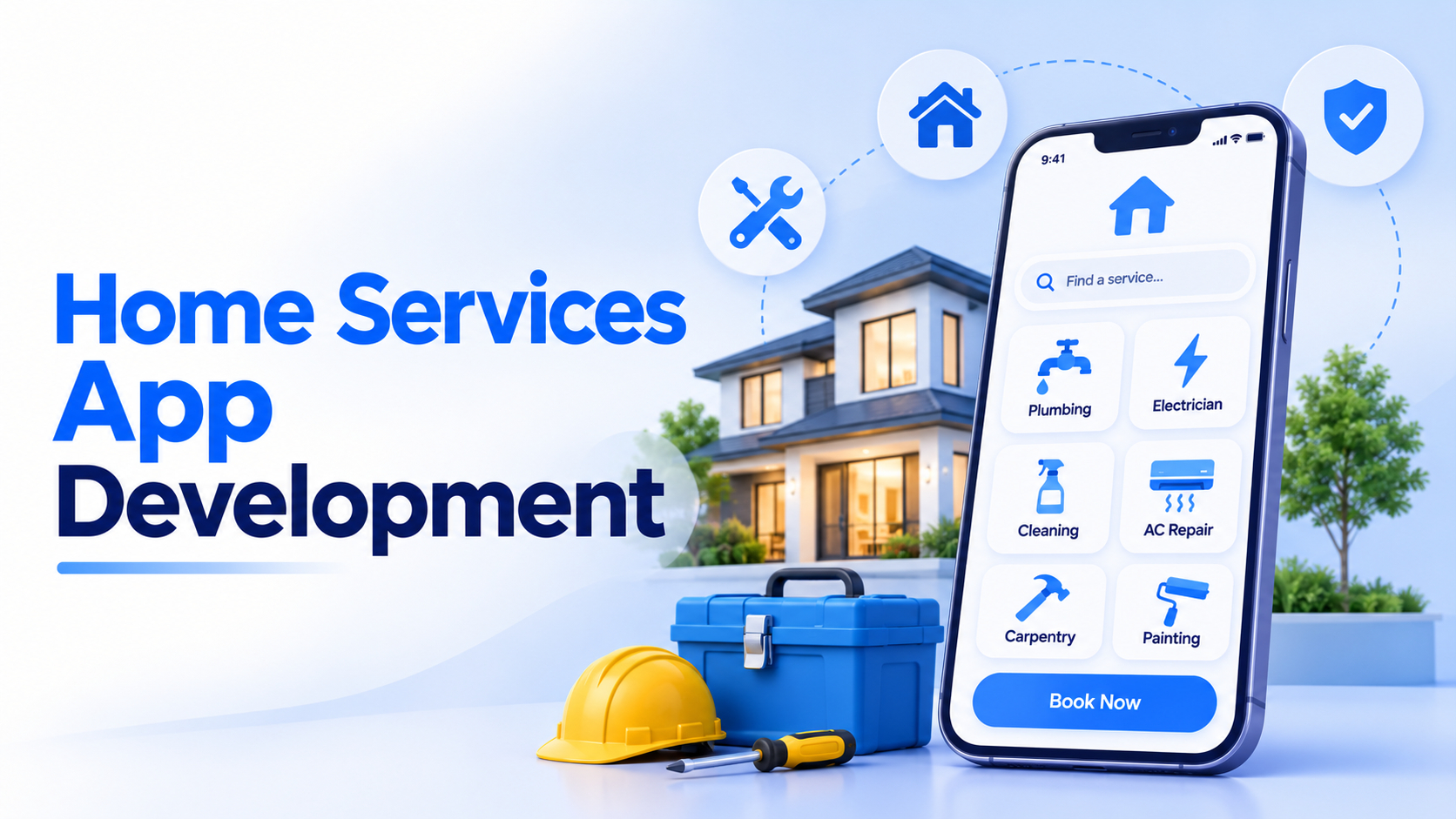
How to build an Online Service Marketplace like Urban Company (UrbanClap)?


Create engaging, high-performance mobile applications tailored to your business needs. We craft future-ready apps that offer smooth user experiences on all devices.
Build robust and scalable websites and CMS platforms that help you manage content effortlessly. Our development ensures a seamless digital presence.
Launch secure, feature-rich online stores with intuitive shopping experiences. We build tailored eCommerce platforms designed for growth.
Design captivating games with immersive gameplay and stunning graphics. From concept to launch, we build engaging experiences that players love.
Enhance your customer relationships with customized Salesforce implementations. Drive growth and efficiency with smarter CRM solutions.
Harness artificial intelligence and machine learning to automate workflows and gain actionable insights. Our AI transforms data into smart decisions.
Accelerate your software delivery lifecycle with continuous integration, delivery, and infrastructure automation to boost efficiency.


A leaking tap, a dead switchboard, a home that needs deep cleaning before guests arrive. A few years ago, fixing any of these meant calling around and hoping someone showed up. Today, it takes a few taps on an app.
That shift has created a fast-growing market. The online on-demand home services market is expected to grow from $6.79 billion in 2026 to $11.78 billion by 2030, according to The Business Research Company.
To build an online service marketplace like UrbanClap, you need three connected parts: a customer app, a service provider app, and an admin panel. Together, they handle bookings, provider matching, payments, tracking, and reviews in one platform.
UrbanClap rebranded as Urban Company in 2020, but its model remains the go-to blueprint for home service platforms. This guide explains how service marketplaces work, the challenges involved, the features you need, and how to build an online service marketplace step by step.
Typical e-commerce sites can easily be called online marketplaces. These sites provide not only products but also services, in partnership with multiple third parties, while the marketplace operators manage the transactions.
A service marketplace is like an e-commerce platform that initiates, coordinates, and completes the buying and selling of services between service providers and seekers.
An online service provider has unlimited access to the marketplace. A few well-known examples of online service marketplaces are Freelancer, Fiverr, and Urban Company (formerly UrbanClap).
A service marketplace is an online platform that works as a bridge between service providers and seekers. It helps initiate, arrange, and complete the purchase of services between the seeker and the provider.
On a service marketplace, clear service listings let customers pay for work based on what each consultant or expert offers.
Here, clients get a wide variety of services for themselves or for their home needs. Getting service at your doorstep instead of going out has become a need in our hectic schedules, and home service apps are a wonderful way to get things sorted instantly.
These service marketplaces include not only household services but professional services as well.
Technology-based apps are making it easy for people to get work done without leaving their homes. It’s also becoming a trend for small companies to hire remote employees, who work from home in any part of the globe.
The online service provider marketplace is more efficient, easier to reach, and saves time. Here, one can get multiple issues resolved at once. These home-based services are very effective for people with hectic schedules who can’t find time for household tasks.
Apart from that, online service providers are a great help to those who are new to a city or have recently moved. On these platforms, one can book services like electricians, plumbers, carpenters, house cleaning, car cleaning, pest control, dry cleaning, beauty services, and many more. In terms of variety, such a platform works much like an online business directory.
The marketplace allows service seekers to connect instantly with professionals across many fields and industries. However, it’s quite difficult for these platforms to manage and balance the needs of both service providers and service seekers.
Let’s first look at who the service provider and service seeker are in an online service marketplace.
Recommended Reading: How to Build an Online Salon Booking App?
Now, let’s look at some reasons why home services are so popular:
Home service platforms are a boon for small businesses that don’t have an online presence due to budget or other issues. A home service app brings a variety of businesses onto a single platform and creates a detailed online business directory for service seekers.
This business model reduces wasted time and travel. Service providers list their business on the platform and can get work while staying at their shop or home. Before approving a listing, a reliable marketplace always runs the required inspection and verification.
The online service marketplace model works in two directions. A work request goes to a nearby service provider, who can accept or decline it.
If the request is declined, it moves to the next provider, usually among the nearest 5 service providers. This dispatch logic works much like a ride sharing app like Uber, where requests go to the closest available driver.
Once a provider accepts the request, it’s automatically assigned to them. On the scheduled date and time, the provider visits the address the seeker shared. After the work is done, the payment is completed and the seeker leaves feedback on the app. If any issue comes up between the two parties, the admin steps in to help reach a fair resolution.
Establishing a successful online marketplace for services is challenging and comes with plenty of ups and downs. Staying in the market with any kind of business is never easy. Here are the main challenges home service platforms face:
For any business, it’s hard to always meet customer expectations, and service marketplaces are no different. Customers sometimes expect a very low price or refuse to pay the professional. This leads to disputes between the seeker and the provider. To resolve them, an executive often visits and verifies the work. An AI chatbot can also handle common complaints before they escalate.
Trust plays an important role in building connections between professionals and service seekers. When customers trust the platform, disputes drop naturally. However, customers often find it easier to trust the platform than an individual professional they’ve never met. Without strong verification, this can lower conversion rates on your service marketplace.
In most businesses, the owner controls how products are presented to clients. On an online service marketplace, the picture is quite different. Business owners have very little control over how their services appear to customers.
Managing the gap between demand and supply is a major challenge for any service platform. On an online service marketplace, this gap can be very noticeable, especially in peak seasons or new cities.
Every business platform has its unique selling points (USPs), and it’s important to understand them before entering the market. You also need to promote those USPs well to move the business in a positive direction. Here are the key USPs of home service providers:
| Category | Services |
| Plumbing | Bathroom fittings, leak repairs, mixers, sanitary installations, water tank cleaning |
| Electrical | Lighting and bulb replacement, water motor or transformer work, new electrical extensions, general maintenance |
| Cleaning | Full house cleaning, tile cleaning, carpet and brush cleaning, washing |
| Home Setup | Installing or removing furniture, curtains, home appliances, and fixtures |
| Appliances | Gas filling, smart home appliance setup, appliance installation and transfer |
| Satellite and TV | New satellite installation, internal connections, receiver installation and programming |
| Device Repair | Computer, telephone, and printer maintenance or repair |
| Moving and Shipping | Domestic shipping, international shipping |
| Car Services | Small car and family car services |
| Tech Services | Computer and website programming, application services |
While designing the app, always make it user-friendly and easy to understand. Ideally, the app should support users’ native languages. This attracts people who aren’t frequent app users or aren’t comfortable with English.
When a user installs the home service app, it should prompt them to select a language and add their location. Strong UI/UX design makes this first experience feel effortless.
Here’s how the flow can work once the app launches on the user’s device:
Apart from this, the admin and service provider interfaces also need to be built carefully, so services run smoothly and accurately. The platform has a big responsibility to stay transparent and fair to every client and professional.
Many small and medium-scale professionals will join the platform, so always aim to make it reliable and trustworthy for both providers and seekers.
The customer app is only one part of the platform. Here’s what the other two parts need.
| Service Provider App | Admin Panel |
| Profile setup with documents for verification | Approve, verify, and manage service providers |
| Accept or decline job requests | Manage service categories and pricing |
| Availability calendar and working hours | Monitor bookings, cancellations, and disputes |
| Navigation to the customer’s address | Track commissions, payouts, and revenue |
| Earnings dashboard and payout history | Manage promotions, coupons, and notifications |
| Ratings and reviews from customers | Analytics on demand, supply, and city performance |
Getting these right is what separates a usable product from one that scales. This guide to the features of a successful mobile app covers the basics every app should get right.
Here’s a practical roadmap to build an online service marketplace that customers and providers both trust.
Don’t launch with every service in every city. Start with 3 to 5 high-demand categories, like cleaning, plumbing, and appliance repair, in one city. This keeps supply manageable and helps you close the demand and supply gap early. Study local competitors, pricing, and the most common customer complaints.
A narrow launch also makes it easier to test your commission model before you scale. Once the first city runs smoothly, you can copy the playbook to new locations.
List the features you need on day one across all three apps. A lean MVP development for startups usually covers registration, service listings, booking, provider matching, payments, and ratings. Advanced features like subscriptions, AI recommendations, and loyalty programs can come later. Keeping the MVP tight lowers cost and gets you real user feedback faster.
Your platform is only as good as the team that builds it. Choose a mobile app development company with real marketplace experience, a clear delivery process, and senior engineers. Ask to see live booking or on-demand apps they’ve shipped. Make sure you own the full source code from day one.
Start with wireframes and clickable prototypes for all three apps. Then build the backend, booking engine, and matching logic in short sprints. Key integrations include payment gateways, SMS for OTP, maps for location and navigation, and push notifications.
Clean API development keeps the customer app, provider app, and admin panel in sync. Weekly demos help you catch issues early.
A booking app has many moving parts, so testing matters. Run functional, performance, and security checks across devices and network conditions. Test edge cases like cancellations, failed payments, and providers going offline mid-job.
Solid application testing protects your ratings in the first few weeks, when first impressions matter most. Run a soft launch with a small group of real users and providers.
Onboard and verify providers before opening bookings, so customers never see an empty app. Use referral offers and local marketing to attract early customers. Track bookings, repeat rates, cancellations, and provider response times closely.
As you grow, add new categories and cities based on demand data. Ongoing mobile app maintenance and support keeps the platform fast, secure, and up to date.
| Model | How It Works |
| Booking commission | The platform takes a percentage of every completed job |
| Provider subscriptions | Providers pay a monthly fee for more visibility or lower commissions |
| Featured listings | Providers pay to appear at the top of search results |
| Customer memberships | Customers pay for discounts, priority booking, or free visits |
| Lead fees | Providers pay for each customer lead they receive |
Most platforms combine two or three of these. A booking commission is the most common starting point.
| Version | What’s Included | Estimated Cost |
| MVP | Customer app, provider app, basic admin panel, booking, payments, ratings | $25K to $50K |
| Full-featured platform | Live tracking, multi-city support, subscriptions, analytics, advanced admin tools | $60K to $150K+ |
Costs depend on features, platforms (iOS, Android, web), integrations, and the team’s location. For example, mobile app development cost in the USA is always going to be on a higher side than developing the same app in India.
You can also reduce mobile app development costs by starting with an MVP and adding features in phases.
If you’re on the same page and looking to launch this type of service in your city or state, EngineerBabu can help you build an online service marketplace from idea to launch. Even if you have a unique twist on the model, our dedicated expert developers can bring it to life.
You can hire mobile app developers who have built on-demand and booking platforms, and start with an MVP that’s ready to scale.
The timeline to build a mobile app depends on several factors. An MVP usually takes 3 to 5 months, depending on scope and integrations. A full-featured, multi-city platform can take 6 to 9 months or more.
You can, but scripts limit customization and can be hard to scale. Custom development gives you full control over features, matching logic, and branding. This comparison of custom app vs no-code app covers the tradeoffs.
Most platforms earn a commission on every completed booking. Many also add provider subscriptions, featured listings, and customer memberships.
Verify every provider with ID and background checks, and show ratings and reviews on each profile. Clear pricing, secure payments, and quick dispute resolution also build long-term trust.