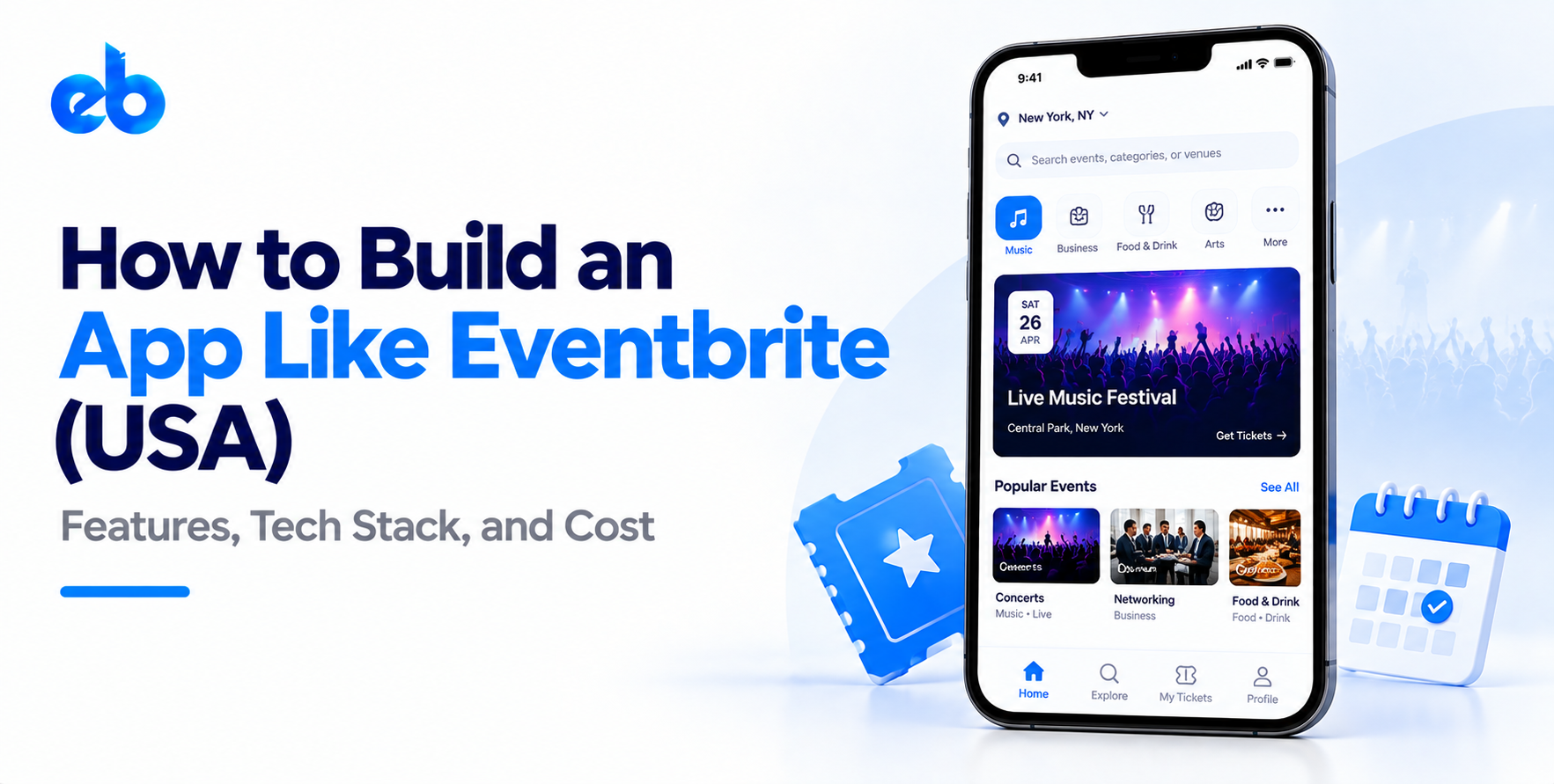
How to Build an App Like Eventbrite (USA)



Create engaging, high-performance mobile applications tailored to your business needs. We craft future-ready apps that offer smooth user experiences on all devices.
Build robust and scalable websites and CMS platforms that help you manage content effortlessly. Our development ensures a seamless digital presence.
Launch secure, feature-rich online stores with intuitive shopping experiences. We build tailored eCommerce platforms designed for growth.
Design captivating games with immersive gameplay and stunning graphics. From concept to launch, we build engaging experiences that players love.
Enhance your customer relationships with customized Salesforce implementations. Drive growth and efficiency with smarter CRM solutions.
Harness artificial intelligence and machine learning to automate workflows and gain actionable insights. Our AI transforms data into smart decisions.
Accelerate your software delivery lifecycle with continuous integration, delivery, and infrastructure automation to boost efficiency.
Hire app developers ready to turn your ideas into sleek, high-performing mobile apps for any platform.
Bring in frontend pros who craft smooth, beautiful, and user-friendly interfaces that your visitors will love.
Get backend developers who build fast, secure, and reliable systems to keep everything running behind the scenes.
Hire eCommerce developers who build secure, scalable online stores designed to offer seamless shopping and grow your sales.
Get dedicated developers committed to your projects, delivering consistent quality and speed as an extension of your team.
TL;DR
Every event organizer has the same nightmare. Doors open, a line forms, and the scanner says “ticket already used.”
That single moment is why event ticketing software is harder than it looks. The checkout screen is easy. What happens in the 200 milliseconds between two people buying the last VIP ticket is not.
If you want to build an app like Eventbrite for the US market, you are really building a transaction system with an event calendar attached. This guide walks through the features, architecture, compliance, cost, and sequence that actually matter.
The demand is not theoretical. Mordor Intelligence estimates the online event ticketing market at $88.38 billion in 2026, rising to $105.17 billion by 2031 (source).
To build an app like Eventbrite, you need a two-sided platform: organizers create and manage events, attendees discover and buy tickets, and a payments layer moves money between them.
The non-negotiables are ticket inventory control, secure checkout, QR-based entry, refunds, payouts, and organizer analytics. Everything else, including social feeds and AI recommendations, is a phase-two decision.
Most teams fail here by building one giant app. Eventbrite is three connected experiences, and each one deserves its own scope.
Attendees want to find something to do and get in. Keep the path short.
Search and filters by date, city, price, and category. Event pages with seat or tier selection. Guest checkout, since forcing account creation kills conversion. Wallet-style ticket storage with offline QR access. Order history, transfers, and refund requests.
The same discovery logic that powers a two-sided online service marketplace applies directly to event listings.
Organizers are your paying customers, so this is where retention lives.
Event creation with multiple ticket tiers, early-bird pricing, and promo codes. Capacity and hold management. Attendee lists with CSV export. Door-scanning apps for staff. Payout settings and tax documents. Real-time sales tracking, which is essentially a business intelligence dashboard scoped to one event.
Your own team needs fraud flags, chargeback handling, event moderation, fee configuration, and refund overrides. Skip this and your support inbox becomes the admin panel.
This is the part founders underestimate when they set out to build an app like Eventbrite.
Ticket inventory is a shared, finite resource under sudden load. When a popular show goes live, thousands of people hit the same row of database records within seconds.
You need three mechanisms working together:
Scanning matters just as much. Venues have terrible connectivity, so your scanner app needs offline validation with local caching and conflict resolution on sync.
In a ticketing platform, you hold funds that belong to organizers. That changes your architecture and your legal exposure.
Stripe Connect is the common US answer. It handles organizer onboarding, KYC, split payments, and 1099-K reporting without you becoming a money transmitter. Choosing between it and alternatives is a decision worth studying alongside other payment gateways for startups.
Decide early on these four rules:
Write these rules down before development starts. Rebuilding payout logic after launch is painful and expensive.
You are building for spiky traffic, not steady traffic. A festival on-sale can be 400 times your average load.
Mobile: React Native or Flutter covers both platforms from one codebase and suits ticketing well. The tradeoffs are covered properly in this comparison of native vs cross-platform development.
Backend: Node.js or Go for the order service, since both handle concurrency cleanly. Python works well for the analytics and recommendation layer.
Database: PostgreSQL with row-level locking for inventory, Redis for holds and queues.
Infrastructure: Autoscaling containers, CDN for event pages, and a read replica strategy. Getting this right is what cloud computing does for app scalability during a sudden on-sale.
Do not launch as a horizontal platform. Choose a niche such as fitness classes, local music, food festivals, or professional workshops.
A narrow start lets you design ticket types around real behavior instead of guessing. Fitness needs recurring classes. Concerts need tiered seating. Conferences need multi-day badges and sessions.
Talk to twenty organizers in that category before writing specs. Ask what they currently hate about their ticketing tool. Those complaints become your differentiation, and they keep your first release small enough to actually ship.
Before any code, diagram every dollar. Attendee pays, funds settle, platform fee is deducted, organizer is paid, refunds reverse the chain.
Include the ugly paths too. Partial refunds, canceled events, disputed charges, and organizers who vanish after selling 500 tickets.
This single document prevents the most expensive category of rework in ticketing platforms. It also tells your developers exactly which payment provider capabilities are mandatory versus optional, which shortens vendor selection from weeks to days.
Start with inventory, orders, and payments as one isolated service with its own database. Everything else, including search and profiles, talks to it through an API.
This separation lets you load-test the critical path on its own. It also means a broken feed or slow search page never blocks a sale.
Strong API development practices matter here, because this service will eventually power your web app, mobile apps, scanner app, and partner integrations without being rewritten.
Organizers judge you at the door, not at checkout. Release event creation, ticket tiers, attendee lists, and the scanning app in the same milestone.
Test the scanner in a real venue with airplane mode on. Confirm that two staff members scanning simultaneously cannot admit the same QR code twice.
Add basic exports and a live sales counter. These two small features do more for organizer retention than any redesign, because they replace the spreadsheet that organizers currently maintain by hand.
Run your first 10 events with hands-on support. Track checkout drop-off, failed payments, scan failures, and refund reasons from day one.
Fix the checkout funnel before you spend anything on growth. A two-point conversion gain beats a marketing budget.
Then expand categories one at a time. This staged rollout is exactly how an MVP for US startups is supposed to work, validating ticket volume and organizer demand before you invest in the full platform.
Cost depends on ticket complexity, payout model, and expected concurrency, not screen count.
| Scope | What you get | Range |
| Focused MVP | One category, single ticket tier, Stripe Connect, scanner | $45,000 to $70,000 |
| Growth build | Multi-tier tickets, promo codes, refunds, analytics, iOS and Android | $75,000 to $120,000 |
| Full platform | Reserved seating, queue system, multi-currency, partner APIs | $150,000 and up |
Reserved seating maps are the biggest hidden cost. They can add 25 to 40 percent to a build on their own. For broader benchmarks, see this breakdown of mobile app development cost in the USA.
Budget 15 to 20 percent of build cost annually for app maintenance and support, since payment providers and OS releases force ongoing work.
Ticketing touches consumer protection law, and states enforce it unevenly.
The BOTS Act prohibits circumventing ticket purchase limits, so rate limiting and bot detection are legal requirements, not features. The FTC’s junk fee rule requires total ticket price disclosure upfront, which affects your checkout UI directly.
You also need PCI DSS scope reduction through a hosted payment provider, plus CCPA and state privacy compliance for attendee data. Add accessibility conformance, because public event pages attract ADA complaints.
Several of these overlap with the broader mobile app development mistakes that stall US product launches.
Per-ticket service fees remain the primary model, typically 2 to 6 percent plus a flat amount. Free events stay free to seed supply.
Secondary revenue comes from promoted listings, organizer subscriptions for advanced analytics, paid marketing tools, and payment processing margin.
Pick one primary model at launch. Platforms that stack four revenue streams on day one confuse organizers and slow adoption.
If you plan to build an app like Eventbrite and want the ticketing core right the first time, that is exactly the kind of transaction-heavy system EngineerBabu builds.
The team works across marketplace, fintech, and high-concurrency platforms, from MVP through scale, and can plug senior engineers into your existing team if you already have one.
Know what you want to build? Talk to EngineerBabu about your ticketing platform.
The decision to build an app like Eventbrite is a decision to run a payments business with an events interface. Get inventory locking, payouts, and door scanning right, and the rest is product work.
Start with one category, ship the core, and let organizer feedback decide what comes next.
A focused MVP takes 16 to 20 weeks. A full platform with reserved seating and multi-currency payouts runs 8 to 12 months. Timelines depend heavily on payment provider approval, which alone can take 3 to 6 weeks. See this guide to mobile app build timelines for stage-level planning.
Not a federal license for primary ticketing, but resale is regulated in several states. Using a provider like Stripe Connect keeps you out of money transmitter territory. Consult a US attorney before handling organizer funds directly.
Not realistically. Most ticket discovery happens through shared links and search, which means web is where your traffic lands. Mobile apps serve repeat attendees and door staff better than first-time buyers.
Concurrency during on-sales. Thousands of users competing for the same inventory rows in seconds requires locking, queuing, and idempotency working together correctly.
If you need to test demand this quarter, yes. If ticketing logic is your differentiator, build it. White-label tools rarely allow custom fee structures, payout timing, or category-specific ticket rules.
Look for teams with payments and marketplace experience specifically, not general app portfolios. Ask how they handle inventory locking and chargebacks. This guide on hiring mobile app developers in the USA covers the vetting questions worth asking.