OTT Streaming App Development: Pipeline, Features & Costs (2026)


Create engaging, high-performance mobile applications tailored to your business needs. We craft future-ready apps that offer smooth user experiences on all devices.
Build robust and scalable websites and CMS platforms that help you manage content effortlessly. Our development ensures a seamless digital presence.
Launch secure, feature-rich online stores with intuitive shopping experiences. We build tailored eCommerce platforms designed for growth.
Design captivating games with immersive gameplay and stunning graphics. From concept to launch, we build engaging experiences that players love.
Enhance your customer relationships with customized Salesforce implementations. Drive growth and efficiency with smarter CRM solutions.
Harness artificial intelligence and machine learning to automate workflows and gain actionable insights. Our AI transforms data into smart decisions.
Accelerate your software delivery lifecycle with continuous integration, delivery, and infrastructure automation to boost efficiency.

TL;DR
Most teams budget for the app and forget the video. That one miscalculation is why streaming launches stall three weeks before go-live.
The player screen takes a sprint. The transcoding pipeline, the DRM licensing, and the CDN behind it take a quarter.
It helps that the audience has already moved. Nielsen’s The Gauge put streaming at 48.5% of total US TV viewing in June 2026.
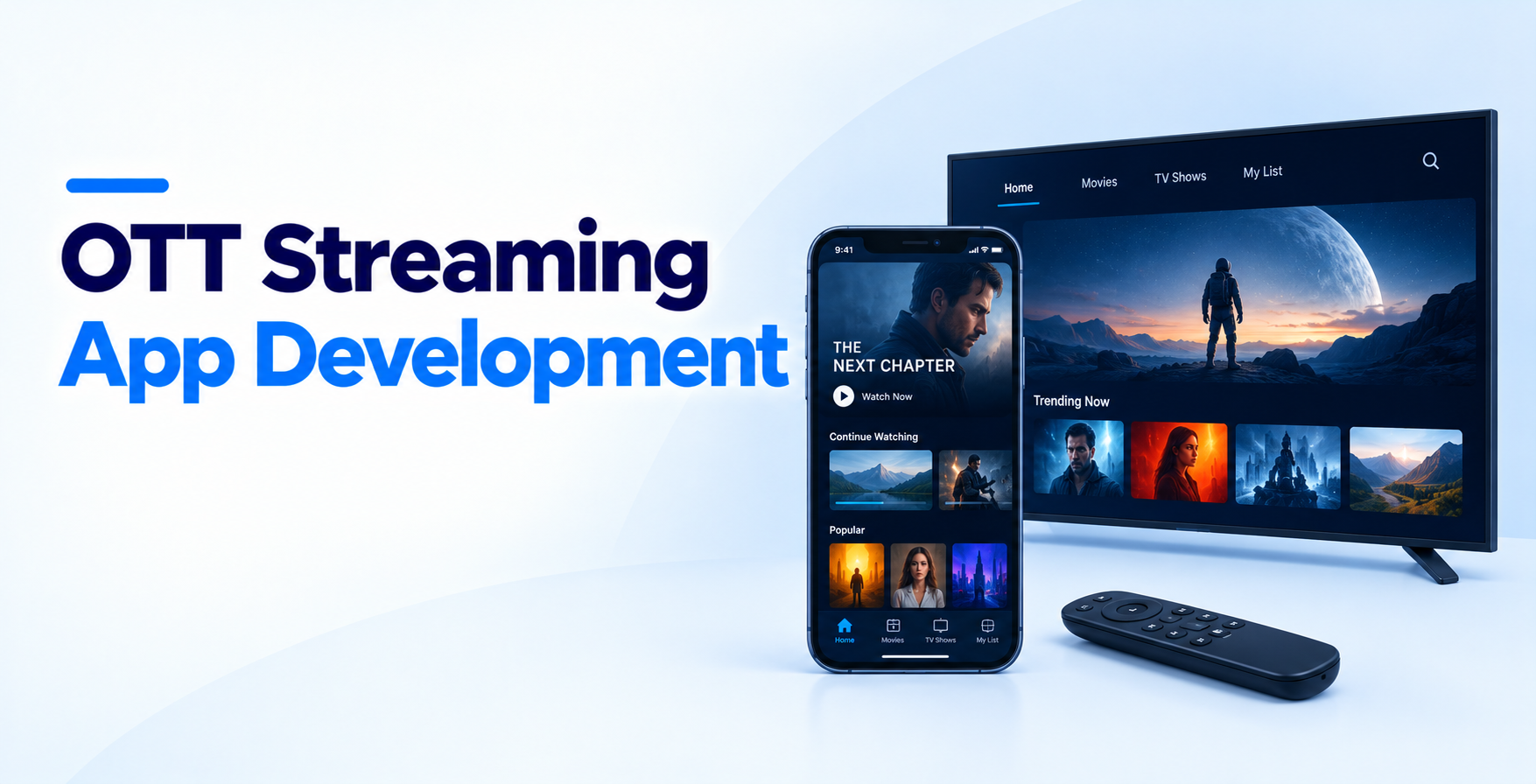
OTT Streaming App Development is not a mobile project with video bolted on. It is an infrastructure project with a beautiful front end attached.
This guide covers what you are actually building, what it costs, and where these projects usually break.
Think of the product as two halves that rarely share a team.
Raw masters arrive as huge ProRes or H.264 files. Nobody streams those. Your pipeline transcodes each title into an adaptive bitrate ladder, usually five to eight renditions from 240p to 4K.
Those renditions get packaged into HLS and DASH, encrypted, and pushed to a CDN. AWS Elemental MediaConvert, Mux, and Bitmovin all handle this well. Rolling your own with FFmpeg costs less per minute and far more in engineering hours.
Live adds a second pipeline entirely. RTMP ingest, low-latency HLS packaging, and a failover origin sit outside your video-on-demand path.
This is the half most founders picture: catalog browsing, search, profiles, watchlists, resume playback, and recommendations.
It also carries the unglamorous work that keeps you solvent. Entitlement checks, subscription state, device limits, and concurrent stream caps all live here. In OTT Streaming App Development, serious API development matters more than it sounds. The player hits your backend on every seek, heartbeat, and license renewal.
Feature lists for OTT Streaming App Development projects tend to balloon. These are the ones that move retention.
Decide what you are streaming and where it plays before anyone writes code. A 200-title VOD catalog and a 24/7 live channel are different products with different pipelines.
List every target device: iOS, Android, web, Android TV, Fire TV, Roku, and Apple TV. Each one adds a client build and a store review cycle, so the native vs cross-platform development call belongs here. Settle rights windows and regional restrictions now, because geo-blocking touches both your CDN config and your entitlement service.
Set up automated ingest so uploaded masters trigger transcoding without anyone clicking a button. Define your bitrate ladder from real audience bandwidth, not aspiration. Shipping 4K into a market on 3 Mbps connections burns storage and delivery budget for nothing.
Generate HLS for Apple devices and DASH for everything else. Store both alongside thumbnails, sprite sheets for scrub previews, and subtitle tracks. Add a validation step that rejects broken outputs before they reach the catalog. Silent transcode failures surface as a black screen, usually on launch weekend.
Licensed content requires three DRM systems. Widevine covers Android and Chrome, FairPlay covers Apple, and PlayReady covers Windows and many smart TVs. A multi-DRM vendor such as EZDRM, Axinom, or BuyDRM serves all three from one license server.
Pair DRM with signed CDN URLs, token expiry, and forensic watermarking if your rights holders ask for it. Build the license proxy so entitlement checks run server-side on every request. Client-side checks get bypassed within days, and a leaked key costs you the content deal.
Pick your client strategy deliberately. React Native development covers iOS and Android efficiently, while Flutter development suits teams wanting one codebase with heavy custom UI. Television usually resolves toward native builds regardless.
Wrap a proven player instead of writing one. ExoPlayer, AVPlayer, Shaka, and Video.js already handle ABR switching, subtitle rendering, and DRM handshakes. Your work in OTT Streaming App Development is the interface, the analytics beacons, and graceful behavior when bandwidth drops mid-episode.
Connect your billing provider and build the entitlement service sitting between a play request and a license. Every tier, trial, grace period, and cancellation flows through it. The patterns borrow from any SaaS subscription management platform, with one twist. Proration bugs appear as locked content, and viewers churn rather than file a ticket.
Handle app store billing separately. Apple and Google control the receipt, so your backend must reconcile store receipts against your own subscription records nightly.
Streaming traffic spikes in a way most apps never see. A premiere drops and concurrency jumps 40x inside four minutes. Test that curve, not your average Tuesday.
Run synthetic load against the license server, the entitlement API, and the manifest endpoints together. The license server fails first in most tests, because teams size it for playback starts and forget renewal traffic. OTT Streaming App Development is where the role of cloud computing in app scalability stops being an abstraction.
Backend work splits between a content service and a delivery service. Node.js or Go handles the API layer well, with PostgreSQL for catalog and entitlement data plus Redis for session and watch-position caching.
Elasticsearch earns its place once your catalog passes a few thousand titles. For delivery, CloudFront, Akamai, and Fastly all work, and multi-CDN routing pays off above roughly 50,000 concurrent viewers.
Your TV builds deserve their own plan. Android TV app development follows different UI rules, different remote navigation patterns, and a different review process than phone apps.
Keep DevOps in scope from week one. Streaming platforms deploy constantly and cannot take downtime during a live event.
Subscription video on demand needs tier logic, trial handling, and dunning flows for failed payments.
Ad-supported streaming needs VAST and VMAP tag support, server-side ad insertion, and an ad decisioning integration. Server-side insertion costs more to build and survives ad blockers, which client-side stitching does not.
Transactional rentals need time-bound entitlements and clear expiry messaging inside the player.
Hybrid models are now standard. Plan the entitlement service for a user who subscribes, rents one film, and watches a free ad-supported channel in one session.
A single-platform MVP with a modest VOD catalog and basic subscriptions runs $35,000 to $55,000.
Multi-device OTT Streaming App Development across iOS, Android, web, and one TV platform, with DRM included, typically lands between $60,000 and $120,000.
A full platform with live channels, multi-CDN delivery, server-side ad insertion, and recommendations starts near $150,000 and climbs with catalog size. The wider cost to build an app follows the same logic, though video infrastructure steepens the curve.
Running costs catch people off guard. Transcoding, storage, CDN egress, and DRM licensing scale with viewing hours, not user count. Budget ongoing mobile app maintenance and support beside infrastructure, because player SDKs and store requirements shift several times a year.
OTT Streaming App Development rewards teams who respect the pipeline. Catalog screens are straightforward. The infrastructure under them decides whether premiere night plays without buffering.
Start narrow. One platform, one monetization model, a real ingest pipeline, and honest load testing teach you more than an untested feature-complete build.
Scoping a streaming product? EngineerBabu can take it from MVP development through multi-device rollout, with the pipeline and the players built by the same team.
A single-platform MVP takes 12 to 16 weeks. Adding DRM, a TV client, and live streaming usually pushes the timeline to 24 to 32 weeks, depending on content rights and store approvals.
If you license content from studios or distributors, yes, and your agreement will name the required DRM systems. Original or user-generated content can often launch with signed URLs and token expiry instead.
HLS is Apple’s streaming protocol and is required on iOS and tvOS. DASH is the open standard used across Android, web, and smart TVs. Most platforms package both from one transcode job.
CDN egress generally runs $0.02 to $0.08 per GB depending on volume and region. An hour of 1080p streaming consumes roughly 3 GB, so plan cost per viewing hour rather than per user.
Only if your content suits long-form viewing. Mobile and web validate demand faster and cost less. TV clients can follow once retention data justifies the build and certification work.