UI and UX Mistakes in Fintech Apps: 8 That Kill Conversion


Create engaging, high-performance mobile applications tailored to your business needs. We craft future-ready apps that offer smooth user experiences on all devices.
Build robust and scalable websites and CMS platforms that help you manage content effortlessly. Our development ensures a seamless digital presence.
Launch secure, feature-rich online stores with intuitive shopping experiences. We build tailored eCommerce platforms designed for growth.
Design captivating games with immersive gameplay and stunning graphics. From concept to launch, we build engaging experiences that players love.
Enhance your customer relationships with customized Salesforce implementations. Drive growth and efficiency with smarter CRM solutions.
Harness artificial intelligence and machine learning to automate workflows and gain actionable insights. Our AI transforms data into smart decisions.
Accelerate your software delivery lifecycle with continuous integration, delivery, and infrastructure automation to boost efficiency.

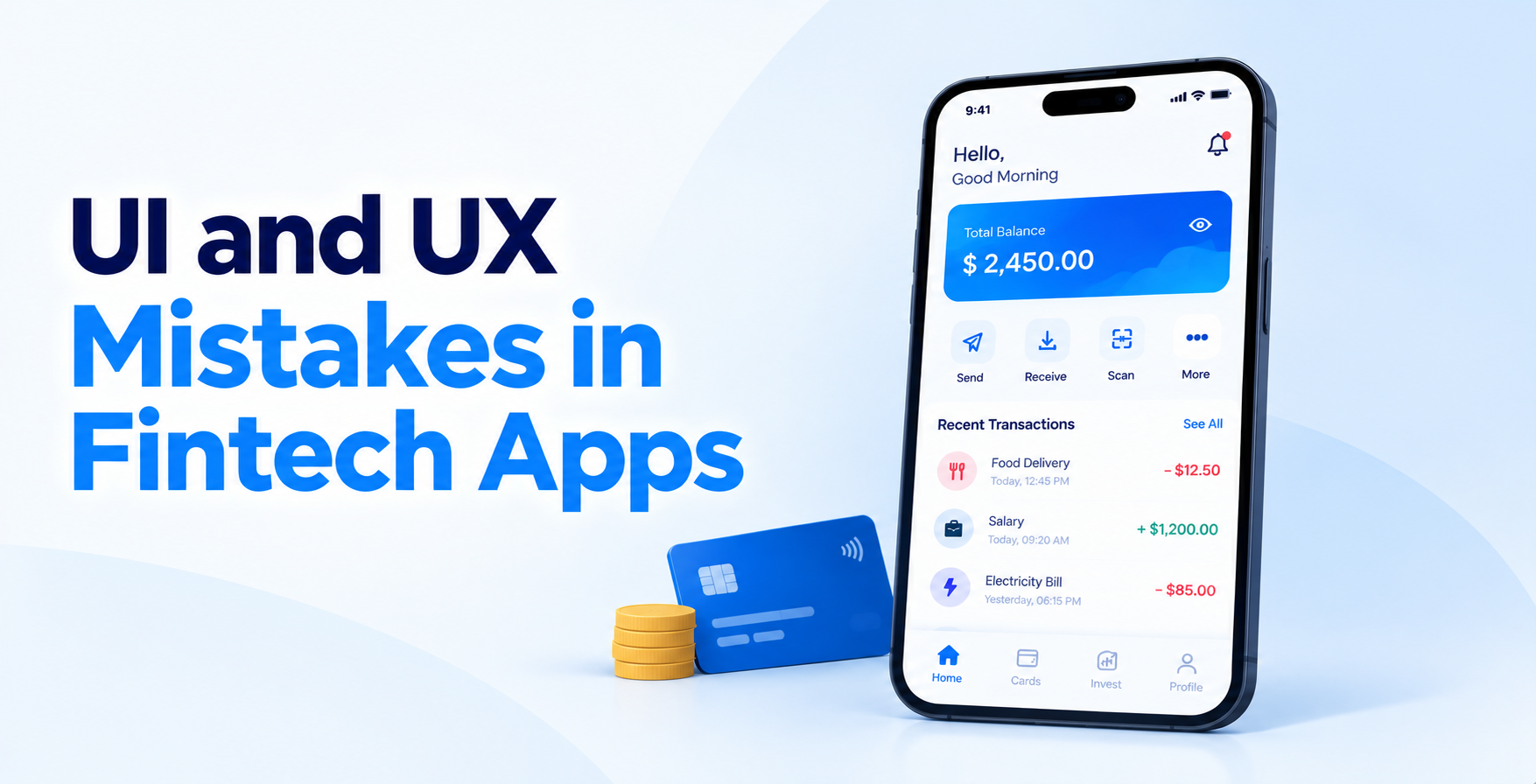
Nobody deletes a banking app because the corner radius is wrong. They delete it because somewhere around screen six, they stop believing the app will actually do what it promised. That is the real shape of the problem.
UI and UX mistakes in fintech apps are design decisions that add friction, hide information, or break trust at the exact moment money is on the line. They rarely look like mistakes in a design review. They look like a reasonable form, a standard verification step, a normal confirmation screen. The damage only shows up in your funnel.
This piece walks through the eight that cost the most, what each one looks like in a live product, and how to fix it.
TL;DR
A user abandoning a shopping cart costs you one sale. A user abandoning a loan application costs you the acquisition spend, the credit pull, and the compliance overhead you already paid for.
The numbers back this up. Fenergo’s Financial Crime Industry Trends research found that 70% of financial institutions lost clients because onboarding was too slow, up from 67% the year before and 48% the year before that. The trend is moving the wrong way while technology budgets grow.
That gap tells you something important. Regulation is not what is pushing users out. Execution is. Across every one of the types of fintech apps, from lending to wealth to payments, the leak sits in the same handful of screens.
Which is why fintech app design deserves more scrutiny than almost any other product category.
The biggest UI and UX mistakes in fintech apps are front-loading forms before showing value, treating KYC as a compliance screen instead of a guided flow, hiding fees until the final confirmation, and writing error messages that leave users stranded.
Each one breaks trust at a different point in the funnel, and each has a measurable cost.
Most signup flows open with a text field. The user has not seen a rate, a dashboard, or a single reason to trust you, and you are already asking for a phone number. In fintech the fields turn personal fast, so this costs more than it would anywhere else.
Where it shows up:
Fix it by: putting one genuinely useful thing in front of the user, a rate check or eligibility result, before the first required input.
This is where the steepest cliff in your analytics usually sits. Teams hand verification to a vendor, drop it into the journey, and never design it. The user hits a redirect, loses the app’s visual language, and assumes something went wrong.
Where it shows up:
Fix it by: keeping verification embedded, branded, and narrated. Understanding how eKYC, eSign and bank verification actually operate helps you design around the handoffs, and your choice of KYC identity verification software determines how much of that experience you can control.
Users forgive fees. They do not forgive discovering fees after they have committed. A processing charge that appears only on the confirmation screen reads as a trap, even when it was disclosed in your terms.
Where it shows up:
Fix it by: showing the total cost at the first screen where the user picks an amount, and keeping it visible as they adjust.
Financial dashboards love charts. Users open the app with one specific question: how much do I have, what do I owe, when is it due. A dense grid of widgets buries that answer under decoration.
Where it shows up:
Fix it by: deciding the single question your dashboard answers, then giving that answer the largest element on the screen.
A failed transfer in a shopping app is an inconvenience. A failed transfer in a fintech app feels like your money just vanished. Generic error copy turns a recoverable moment into a support ticket, or an uninstall.
Where it shows up:
Fix it by: stating what happened, confirming the money’s status, and offering one clear next action. Well-scoped fintech chatbots can catch these moments before the user gives up.
Your encryption is excellent. Your user has no idea. Perceived security drives behavior just as much as actual security, and most fintech interfaces communicate almost none of it at the moments that matter.
Where it shows up:
Fix it by: surfacing protection where anxiety peaks. The same thinking that drives best practices to prevent fraud in fintech apps should shape what the user actually sees.
Fintech teams are financially literate and digitally fluent. Their users often are not. Flows that assume both quietly exclude older users, first-time borrowers, and anyone using a mid-range device on a weak connection.
Where it shows up:
Fix it by: running real accessibility testing on contrast, tap targets, and screen readers, then rewriting the copy for a reader who has never used a product like yours.
If you cannot name the exact step where most users leave, you are guessing at every fix that follows. Plenty of teams track installs and completions, then nothing in between.
Where it shows up:
Fix it by: instrumenting every step as its own event before launch, and tying each to the fintech KPIs to measure app success that your team actually reviews.
Open your app as a brand new user and count every tap, field, and screen until you reach something genuinely useful. A balance, an approved amount, a completed transfer. Write the number down. Most fintech teams expect a figure around eight and discover it is closer to twenty-five. Then mark which of those steps are legally required and which exist because someone wanted the data. The second group is where your fastest wins live, and cutting them rarely needs engineering approval.
Pull five recordings of users who dropped out, not five who completed. Watch each one without skipping. You are looking for hesitation, repeated taps, back-button presses, and the exact moment a user stops moving forward. Patterns surface quickly, usually within three sessions. This matters most if you are still shaping scope, since teams planning to build a fintech MVP can cut a bad flow before it ever reaches production and costs real acquisition spend.
Take every screen where an amount, fee, rate, or deadline appears and read the text aloud. If a sentence needs rereading, it fails. Replace vague labels with specific ones, and replace every instance of “processing” with what is actually happening and how long it takes. This single pass usually fixes more UI and UX mistakes in fintech apps than a full visual redesign. The fintech UX and onboarding checklist is a useful companion when you work through this step.
Strong fintech design is not minimalism. It is sequencing. Ask for less upfront, explain more at the point of friction, and make the status of money unambiguous at every moment.
The best products share a few habits:
Teams working through building a fintech app from scratch have an advantage here. They can design the compliance steps as experiences from day one instead of retrofitting them later.
Most UI and UX mistakes in fintech apps are not expensive to fix. They are expensive to ignore, because each one compounds against acquisition spend you have already committed. A product that loses two-thirds of applicants at verification does not have a marketing problem.
Audit the funnel, fix the sequence, and rewrite the copy on every screen that touches money. That is usually enough to move the numbers before anyone opens a design file.
If you want a team that treats UI/UX design as a conversion discipline rather than a visual one, EngineerBabu works as a fintech app development company across lending, payments, and wealth products.
About EngineerBabu
EngineerBabu is a technology development company building products across fintech, healthtech, and AI, from MVPs to scaled, production-ready platforms. It holds a CMMI Level 5 rating, has worked with 4 unicorn clients, and has supported 200+ VC-funded products. The company is backed by Vijay Shekhar Sharma.
Founded by Mayank Pratap (Co-founder) · mayank@engineerbabu.com
The most common UI and UX mistakes in fintech apps are collecting data before showing value, dropping users into unbranded KYC redirects, revealing fees late, and writing error messages that offer no next step. All four break trust rather than usability.
Identity verification, almost always. It is the step with the highest friction, the least design attention, and the most third-party involvement. Embedding verification inside your own interface is usually the single highest-impact change available.
Directly and measurably. Every unnecessary field reduces completion, and every unexplained wait increases abandonment. Because fintech acquisition costs are high, a few points of funnel improvement often outperform a larger ad budget.
Yes, in most cases. Reordering the onboarding sequence, rewriting money-related copy, and embedding verification solve the majority of problems. A full visual redesign is rarely where the conversion gains come from.
Instrument every step of your funnel, then fix the step with the steepest drop. Opinion-led prioritization usually targets the screens the team dislikes, not the screens users abandon.