How to Build an App Like Blinkit: Features, Tech Stack, Cost (2026)



Create engaging, high-performance mobile applications tailored to your business needs. We craft future-ready apps that offer smooth user experiences on all devices.
Build robust and scalable websites and CMS platforms that help you manage content effortlessly. Our development ensures a seamless digital presence.
Launch secure, feature-rich online stores with intuitive shopping experiences. We build tailored eCommerce platforms designed for growth.
Design captivating games with immersive gameplay and stunning graphics. From concept to launch, we build engaging experiences that players love.
Enhance your customer relationships with customized Salesforce implementations. Drive growth and efficiency with smarter CRM solutions.
Harness artificial intelligence and machine learning to automate workflows and gain actionable insights. Our AI transforms data into smart decisions.
Accelerate your software delivery lifecycle with continuous integration, delivery, and infrastructure automation to boost efficiency.
Hire app developers ready to turn your ideas into sleek, high-performing mobile apps for any platform.
Bring in frontend pros who craft smooth, beautiful, and user-friendly interfaces that your visitors will love.
Get backend developers who build fast, secure, and reliable systems to keep everything running behind the scenes.
Hire eCommerce developers who build secure, scalable online stores designed to offer seamless shopping and grow your sales.
Get dedicated developers committed to your projects, delivering consistent quality and speed as an extension of your team.
TL;DR
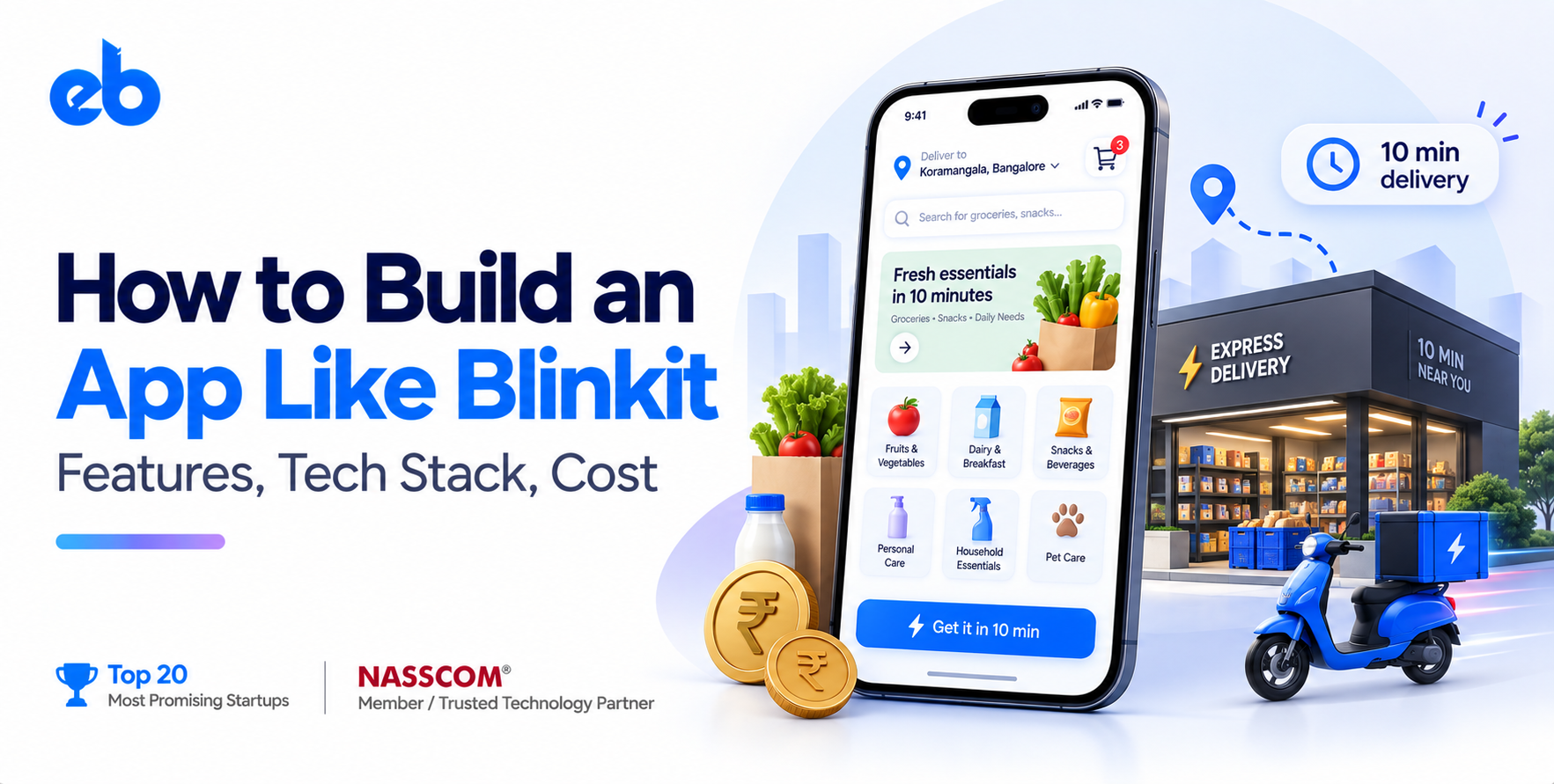
Ten minutes. That is the whole promise, and it is also the whole engineering problem. A customer taps “order,” and somewhere a picker gets a route, a rider gets a batch, and an inventory ledger drops by one unit, all before the app finishes its loading animation.
Founders who want to build an app like Blinkit usually start by listing screens. That is the wrong starting point. Blinkit is a logistics company wearing an app, and the app is the thinnest layer in the stack.
This guide breaks down what actually sits underneath when you build an on-demand app like Blinkit: the model, the features, the tech stack, the real cost, and the steps in order.
To build an app like Blinkit, you need a dark store network, a real-time inventory system tied to delivery zones, four separate applications, and a dispatch engine that batches orders to riders.
Software alone runs $45,000 to $95,000 for an MVP. Operations, store leases, and rider supply cost more than the code.
India’s quick commerce market makes the case for building an app like Blinkit. Redseer pegged quick commerce GMV at roughly ₹11,000 crore in January 2026 alone, on about 7.8 million orders a day, nearly double the year before (Redseer via Digital in Asia).
Before you build an app like Blinkit, you need to understand the three mechanics that make ten minutes possible.
A dark store is a small, closed retail space holding 2,000 to 5,000 fast-moving SKUs. It serves a radius of roughly 2 to 3 km. No customers walk in. Shelves are arranged by pick frequency, not by category.
The delivery promise is a geometry problem. If the store is close enough, an average rider on a scooter covers the trip in six minutes. The remaining four minutes belong to picking and packing.
Most teams assume delivery is the slow part. It is not. A picker has 90 to 120 seconds to assemble a basket, scan it, and stage it for pickup.
That is why shelf mapping, pick sequencing, and barcode scanning sit at the center of any serious attempt to build an app like Blinkit.
Your dispatch engine chooses which rider takes which order, and whether two orders get batched into one trip. Batch too aggressively and delivery times slip. Batch too little and rider cost per order climbs. Nobody can build an app like Blinkit profitably without getting this balance right.
Four products, one shared order state. Here is what each one has to carry.
Store-level dashboards, SKU and pricing control, demand heat maps, rider supply monitoring, promotions, and refund workflows. Skip this and your operations team runs the business on spreadsheets, which defeats the point of building an app like Blinkit in the first place.
The stack you choose to build an app like Blinkit has to survive evening peaks without falling over. Frontend usually means Flutter or React Native for the customer and rider apps, since three apps on two platforms gets expensive fast. Native Kotlin and Swift make sense once scale justifies it.
The backend runs on microservices in Node.js, Go, or Java. Order, inventory, dispatch, payments, and notifications each need to scale independently. Evening peaks are brutal and unforgiving.
For data, PostgreSQL handles transactions, Redis holds live inventory counts and rider positions, and Kafka moves events between services. Elasticsearch powers catalog search.
Maps and routing come from Google Maps Platform or Mapbox. Payments run through Razorpay, Stripe, or PayU. Reliable API development across these providers is what keeps the order flow intact when one vendor has a bad day.
Do not launch a city. Launch one neighborhood with dense apartment clusters and decent order potential. Map competing stores, walk the delivery radius, and time the routes yourself during evening traffic.
Study basket patterns in that area before you write code. What people order at 9 PM on a Tuesday decides your SKU mix, your shelf layout, and your rider shift plan.
This is the step most founders skip when they set out to build an app like Blinkit, and it decides whether the economics ever work. Validation here costs weeks. Getting it wrong costs quarters.
Choose 1,500 to 2,500 SKUs for launch, weighted toward high-frequency items like milk, snacks, and staples. Every extra SKU adds pick time, shelf space, and wastage risk.
Arrange shelves by pick frequency instead of product category. Fast movers go closest to the packing station. This single decision can cut 20 to 30 seconds off every order.
Document the layout digitally, because your picker app will use those shelf coordinates to generate pick sequences. Physical layout and software layout must match exactly from day one.
This is the hardest technical piece of any effort to build an app like Blinkit. Inventory must be accurate per store, per second, and visible to customers before they add to cart. A stale count creates cancellations, and cancellations kill retention.
Use Redis for live counts with PostgreSQL as the system of record. Reserve stock the moment an item enters a cart, then release it if the cart expires.
Build stock-out handling into the flow itself. Offer substitutions, partial fulfillment, or instant refunds rather than a silent failure at the picking stage.
When you build an app like Blinkit, ship the smallest version that can take a real order. Serviceability check, catalog, cart, checkout, tracking. Nothing else.
Skip loyalty programs, referrals, and social features in version one. They add scope without proving the core promise, which is a full basket delivered in under 15 minutes.
Treating this release as a focused MVP development exercise keeps the first build honest. You are testing operations, not your feature list. Add depth after the delivery clock holds steady across a few thousand orders.
These two apps share one state machine, so build them in the same sprint. An order moves from placed, to picking, to packed, to picked up, to delivered, and every transition must be visible to both sides.
Rider tracking needs location pings every 5 to 10 seconds during active trips. Batch the writes, or your infrastructure bill will surprise you.
Test the picker app on the actual store floor with real staff. Interfaces that feel fine on a desk fall apart when someone is holding a crate.
Start simple. Assign the nearest free rider, weighted by current load and order age. Nobody needs a solver to build an app like Blinkit in month one. Resist the urge to build a machine learning model in month one.
Add batching once volume supports it. Two orders heading to the same apartment complex within a four-minute window should travel together, and your rules engine should spot that.
Log every assignment decision with its inputs. Those logs become your training data later, when demand forecasting and ML development start earning their keep.
Once you have 60 to 90 days of order history, prediction becomes possible. Forecast demand per store per hour so stock arrives before the rush, not after it.
Predictive models can also pre-position riders near high-demand clusters and flag SKUs heading toward stockout. Targeted AI development here reduces idle rider hours, which is usually the largest controllable cost.
Personalized ranking comes last. Reordering the catalog by individual buying patterns lifts basket size, but only after fulfillment is already reliable.
| Component | Scope | Estimated cost |
| Discovery, UX, architecture | 3 to 4 weeks | $6,000 to $12,000 |
| Customer app (iOS + Android) | Cross-platform MVP | $16,000 to $28,000 |
| Rider app | Cross-platform | $8,000 to $14,000 |
| Picker app | Android only | $5,000 to $9,000 |
| Backend, inventory, dispatch | Microservices | $14,000 to $26,000 |
| Admin panel | Web dashboard | $6,000 to $10,000 |
| QA, deployment, launch | Across all apps | $4,000 to $8,000 |
A realistic MVP to build an app like Blinkit lands between $45,000 and $95,000, depending on team location and scope. Rates in India typically run 50 to 65% below US agency pricing for comparable engineering quality.
Budget separately for operations. A single dark store needs lease, racking, inventory float, pickers, and riders. That number frequently exceeds the software spend in year one.
The team you hire to build an app like Blinkit should have shipped real-time logistics products, not just storefronts. Ask specifically how they handled inventory races, rider tracking at scale, and peak-hour load.
Ask who writes your code, and whether you can talk to those engineers directly. Ask what happens after launch, because quick commerce apps change weekly in the first year.
If you are comparing vendors across geographies, this breakdown of mobile app development companies in the USA is a useful reference on how pricing and delivery models differ.
Teams offering end-to-end mobile app development reduce handoff risk, since four connected apps with one shared state machine leave little room for coordination gaps.
The decision to build an app like Blinkit is really a decision to run a retail operation with software as the control layer. The code is solvable. The operating discipline is where most attempts fail.
Start narrow, get the 10-minute promise working in one catchment, and expand only when your economics survive a full month. That sequence is what separates the platforms still operating from the ones that raised big and folded.
Building an app like Blinkit requires more than a customer-facing app. You need reliable inventory, picker and rider workflows, real-time tracking, payments, and backend systems that can handle peak-hour demand.
EngineerBabu can help you build the complete quick-commerce platform, from MVP architecture and customer apps to rider and picker apps, dispatch, inventory, and admin systems.
A functional MVP covering customer, rider, picker, and admin takes 4 to 6 months with a team of 6 to 8 engineers. Adding batching, forecasting, and analytics extends it by another 2 to 3 months.
No. The customer app alone cannot run a dark store. Pickers need shelf-level pick lists and riders need dispatch, and both feed the same order state machine. You can launch the picker app as a simple Android build to save cost.
Indian engineering teams typically quote 50 to 65% below US agency rates for the same scope. A $90,000 build in the US often lands near $40,000 in India, with comparable quality when the partner has real logistics experience.
Most operators run 1,500 to 3,000 sq ft per store, holding 2,000 to 5,000 SKUs. Smaller footprints work in dense urban catchments where the delivery radius is under 2 km.
Reserve stock at cart level, confirm at picking through barcode scans, and reconcile against the database after every order. Pickers flagging out-of-stock items instantly is what keeps the customer catalog honest.
Rarely in the first months. Profitability depends on orders per store per day and average basket value. Most operators need roughly 800 to 1,200 daily orders per store before contribution margin turns positive.