Automated Testing for Mobile Apps: Unit, UI and Device Farms



Create engaging, high-performance mobile applications tailored to your business needs. We craft future-ready apps that offer smooth user experiences on all devices.
Build robust and scalable websites and CMS platforms that help you manage content effortlessly. Our development ensures a seamless digital presence.
Launch secure, feature-rich online stores with intuitive shopping experiences. We build tailored eCommerce platforms designed for growth.
Design captivating games with immersive gameplay and stunning graphics. From concept to launch, we build engaging experiences that players love.
Enhance your customer relationships with customized Salesforce implementations. Drive growth and efficiency with smarter CRM solutions.
Harness artificial intelligence and machine learning to automate workflows and gain actionable insights. Our AI transforms data into smart decisions.
Accelerate your software delivery lifecycle with continuous integration, delivery, and infrastructure automation to boost efficiency.
Hire app developers ready to turn your ideas into sleek, high-performing mobile apps for any platform.
Bring in frontend pros who craft smooth, beautiful, and user-friendly interfaces that your visitors will love.
Get backend developers who build fast, secure, and reliable systems to keep everything running behind the scenes.
Hire eCommerce developers who build secure, scalable online stores designed to offer seamless shopping and grow your sales.
Get dedicated developers committed to your projects, delivering consistent quality and speed as an extension of your team.
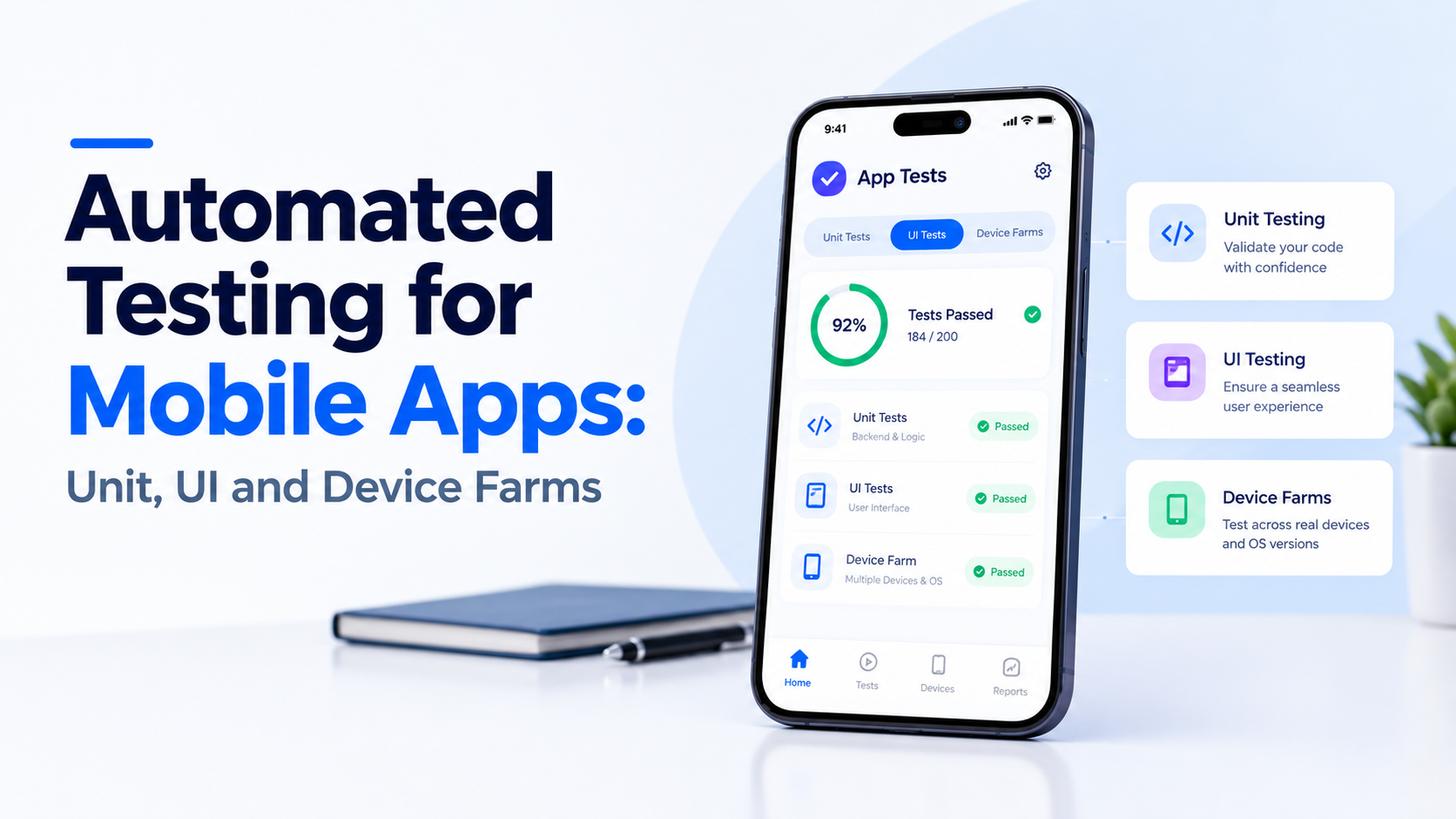
The build passed every check on the lead developer’s Pixel. Nine days after launch, the support inbox filled up with crash reports from users on three-year-old Samsung handsets running a heavily skinned Android build.
Nothing in the test suite had ever touched that configuration. That gap, between what you test on and what users actually hold, is the whole reason automated testing for mobile apps exists as a discipline instead of a checkbox.
TL;DR
Automated testing for mobile apps is the practice of running scripted checks against your app at three separate levels of realism. Unit tests verify isolated logic with no screen involved. UI tests drive the rendered interface the way a user would. Device farms run those same UI tests across racks of physical phones and tablets.
Each layer catches a different class of defect, and none of them substitutes for another. A perfect unit suite will not tell you that your checkout button sits under the notch on a foldable.
Spending here is climbing fast for exactly that reason. The mobile application testing solutions market is estimated at USD 7.13 billion in 2026 and is set to exceed USD 28.16 billion by 2035, according to Research Nester
Pure logic. Price calculations, date formatting, validation rules, state reducers, retry logic, parsing a malformed API response. Anything that takes an input and returns an output without needing a rendered view.
If a test needs a running emulator to pass, it is not a unit test. It has drifted into integration territory, and it will slow your pipeline down.
Android teams use JUnit with MockK or Mockito, usually alongside Robolectric when they need a light Android runtime. iOS teams use XCTest. Flutter ships its own flutter_test package, and React Native projects lean on Jest.
These suites run on your machine in seconds, which is the single most valuable property in any layer of software testing.
Chasing 100% coverage wastes sprint capacity on getters and setters. Aim for 70 to 80% on business logic modules and near zero on generated code.
Coverage percentage is a weak signal anyway. A better question is whether your ten highest-risk functions each have a test that fails when you deliberately break them.
Unit tests prove your functions work. UI tests prove your screens work together. This is where login, onboarding, payment, and search get exercised end to end.
Android uses Espresso, which syncs with the UI thread and reduces timing guesswork. iOS uses XCUITest. Appium sits above both and drives either platform through the WebDriver protocol, which helps when one QA team covers both apps.
Maestro has gained ground for its readable YAML flows and tolerance for minor UI shifts. Detox remains the common pick for React Native development teams who want tests running on the same gray box as the app.
Flakiness almost always traces to timing. The test taps before the animation settles, or waits on a network call that resolves in 80ms locally and 2 seconds on CI.
Fix it with explicit idling resources and mocked network layers, never with sleep(3). Teams running application testing at scale treat a flaky test as a broken test, because a suite nobody trusts gets ignored within two sprints.
A device farm is a pool of real phones, wired up and available over the network, that runs your UI suite across dozens of hardware and OS combinations in parallel.
Emulators have infinite battery, perfect memory, and a flawless network. Real phones do not. On real hardware you finally see thermal throttling during video upload, background process kills on 3GB RAM devices, and OEM-specific permission dialogs that your test script never anticipated.
You also see genuine rendering differences across screen densities, which is where a lot of layout bugs hide. Pair this layer with performance testing so you measure frame drops on the devices your users actually own.
BrowserStack App Automate, Sauce Labs, AWS Device Farm, and Firebase Test Lab cover most needs without capital spend. Cloud farms win on breadth and on not having to charge, update, and reboot forty handsets.
An in-house rack makes sense only when you have hardware dependencies that cloud providers cannot host, like a specific payment terminal or a BLE peripheral.
| Layer | Share of suite | Runtime | Catches |
| Unit | 65 to 75% | Seconds | Logic errors, regressions, edge cases |
| UI / integration | 20 to 30% | Minutes | Broken flows, navigation, state bugs |
| Device farm | 5 to 10% | Minutes to an hour | Hardware, OS, network and rendering issues |
Invert this ratio and your pipeline becomes a 45-minute wait that developers learn to skip.
Do not start by automating the settings screen. Start with the three or four flows where failure means lost revenue or lost users: signup, login, search, checkout.
List them, then write one end-to-end UI test per flow before you write a single unit test. This gives you an immediate safety net around the paths that matter most. Once those pass consistently on two devices, expand downward into unit coverage for the logic feeding those screens. This order keeps early effort visibly tied to business outcomes, which also makes the budget conversation easier.
Tests nobody runs are documentation. Connect your suite to GitHub Actions, Bitrise, or whichever runner your DevOps setup already uses.
Configure it so unit tests run on every single push and the UI suite runs on every pull request to main. Device farm runs are expensive and slow, so schedule those nightly and before every release candidate. Block merges on failing unit tests from day one. If you allow red builds through once, the team will assume failures are normal within a month.
Pull your actual device and OS distribution from Play Console and App Store Connect. Do not guess, and do not copy a competitor’s matrix.
Pick the top eight to twelve combinations covering roughly 80% of your installed base, then add two deliberate outliers: your oldest supported OS and your lowest-RAM device. Those two find more real bugs than the flagships do. Revisit the matrix every quarter, because device mix shifts faster in emerging markets than most teams expect.
Log every flaky test as a ticket with the same severity as a product defect. Quarantine it from the blocking suite so the pipeline stays green and honest.
Give it an owner and a deadline. A suite with a 95% trust level is useful. A suite at 70% gets bypassed with “just rerun it,” and at that point you are paying for infrastructure that influences nothing. Track flake rate as a visible metric alongside build time so it stays uncomfortable to ignore.
Exploratory testing stays human. So does anything involving subjective judgment: whether a transition feels smooth, whether copy reads clearly, whether the empty state looks sad.
One-off features scheduled for removal next quarter are not worth scripting either. And accessibility testing needs automated checks plus a real person using VoiceOver or TalkBack, because a passing contrast check tells you nothing about whether the flow is usable.
Automated testing for mobile apps is not about reaching a coverage number. It is about shortening the distance between writing a bug and finding it.
Unit tests shorten that to seconds. UI tests shorten it to minutes. Device farms shorten it to hours instead of the weeks it takes for a one-star review to explain the problem for you.
Get the ratio right, keep the pipeline fast, and the suite becomes something your team leans on rather than something they route around. If you want help designing that setup, EngineerBabu builds test architecture alongside the product, not after it.
Unit tests check isolated logic with no interface involved and run in milliseconds. UI tests drive the actual rendered screens the way a user would, so they are slower but catch broken flows that unit tests cannot see.
Yes. Emulators cannot reproduce thermal throttling, battery optimization kills, OEM permission behavior, or real network variability. Device farms are where those issues surface before your users find them.
Target 70 to 80% coverage on business logic and full end-to-end coverage on your highest-value flows. Blanket coverage targets across the whole codebase tend to produce busywork rather than safety.
Firebase Test Lab is the cheapest entry point for Android. BrowserStack and Sauce Labs offer wider device breadth and better iOS support. AWS Device Farm fits teams already standardized on AWS tooling.
From the first sprint. Retrofitting a suite onto an untested codebase costs significantly more than writing tests alongside features, and it usually requires refactoring the code to make it testable at all.