Best Cloud for Mobile Apps in 2026: AWS vs Google vs Azure



Create engaging, high-performance mobile applications tailored to your business needs. We craft future-ready apps that offer smooth user experiences on all devices.
Build robust and scalable websites and CMS platforms that help you manage content effortlessly. Our development ensures a seamless digital presence.
Launch secure, feature-rich online stores with intuitive shopping experiences. We build tailored eCommerce platforms designed for growth.
Design captivating games with immersive gameplay and stunning graphics. From concept to launch, we build engaging experiences that players love.
Enhance your customer relationships with customized Salesforce implementations. Drive growth and efficiency with smarter CRM solutions.
Harness artificial intelligence and machine learning to automate workflows and gain actionable insights. Our AI transforms data into smart decisions.
Accelerate your software delivery lifecycle with continuous integration, delivery, and infrastructure automation to boost efficiency.
Hire app developers ready to turn your ideas into sleek, high-performing mobile apps for any platform.
Bring in frontend pros who craft smooth, beautiful, and user-friendly interfaces that your visitors will love.
Get backend developers who build fast, secure, and reliable systems to keep everything running behind the scenes.
Hire eCommerce developers who build secure, scalable online stores designed to offer seamless shopping and grow your sales.
Get dedicated developers committed to your projects, delivering consistent quality and speed as an extension of your team.
Your app runs beautifully at 500 users. Then a creator posts about it, 40,000 people install it over a weekend, and your push notifications start arriving nine hours late. Your database connection pool is pinned. Your sync endpoint is timing out.
That weekend is when the platform you picked in week two either saves you or bills you into a panic.
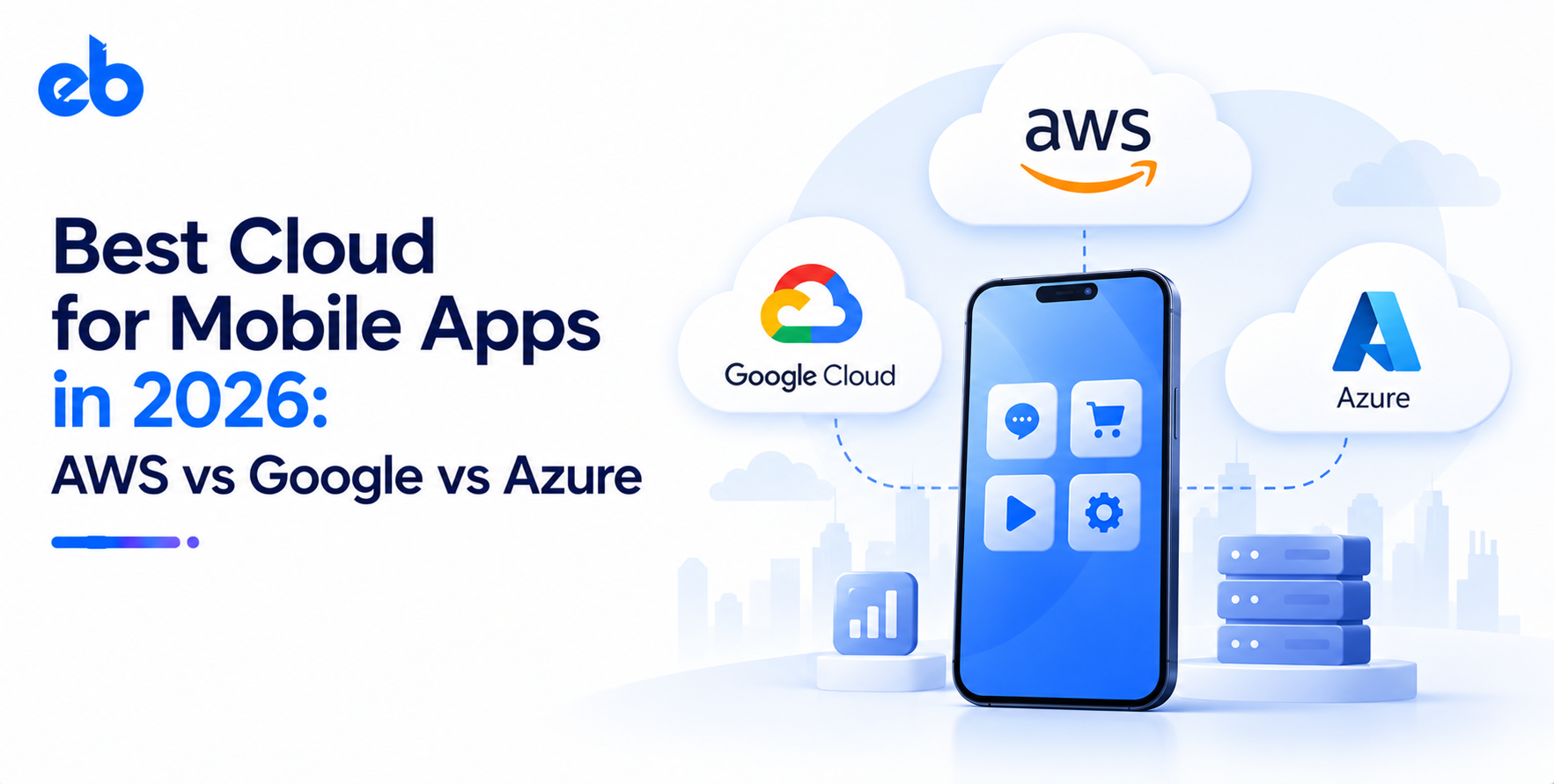
Picking the best cloud for mobile apps is not a hunt for the objectively strongest platform. AWS, Google Cloud, and Azure all run apps with tens of millions of users. The real question is which one matches your traffic shape, your team’s skills, and your runway. The best cloud for mobile apps is the one that fits those three answers.
Cloud is not a small market to guess your way through. Enterprise spending on cloud infrastructure services hit $143 billion in Q2 2026, up 43% year over year. AWS held 28% share, Microsoft 20%, and Google 15% (Synergy Research Group).
Mobile workloads behave differently from web workloads, and that difference drives the whole decision.
A mobile client is thin. It leans on your backend for auth, sync, media, and notifications. It also goes offline in elevators and on flights, then expects to reconcile cleanly the moment signal returns.
So the criteria that matter are narrow and specific. The best cloud for mobile apps handles all five of these without custom work:
Teams that scope this before writing code ship faster. Serious Mobile App Development work starts with backend architecture, not the first screen.
Here are the four realistic candidates for best cloud for mobile apps, side by side.
| Platform | Best for | Standout | Watch out |
| AWS (Amplify, Cognito, AppSync) | Apps built to scale hard | Deepest service catalog, mature scaling | Billing is genuinely hard to predict |
| Google Cloud (Firebase, Vertex AI) | Fast launches, real-time apps | Offline sync and push that just work | Per-read pricing punishes chatty clients |
| Microsoft Azure | Enterprise and regulated apps | Identity, compliance, hybrid setups | Thinner mobile-specific tooling |
| DigitalOcean, Supabase, Render | Tight budgets and MVPs | Flat, readable pricing | You manage more of the scaling yourself |
AWS is the default answer to the best cloud for mobile apps question when the app is a real business rather than a test.
Amplify gives you auth, storage, and GraphQL data access wired to the mobile SDKs. Cognito handles identity. Lambda and DynamoDB absorb spiky traffic without you provisioning anything. When your app needs to talk to payment processors, maps, or logistics partners, that layer is straightforward API Development work sitting behind API Gateway.
The catch is cost visibility. Data transfer out runs around $0.09 per GB after the free allowance, and media-heavy apps feel that quickly. Set budget alarms on day one, not after the first invoice.
If your app needs to be live in eight weeks, this is the best cloud for mobile apps by a wide margin. Firebase is hard to beat on setup time.
Firestore handles offline caching and conflict resolution for you. Firebase Cloud Messaging is the delivery path for Android push anyway, so you are already in this ecosystem. Auth, Crashlytics, and Remote Config cover the boring parts that eat sprint time.
It also opens the shortest route to AI features. Vertex AI sits one project away and slots into AI Development roadmaps without new infrastructure. Teams that need custom recommendation or risk models rather than API calls will still want dedicated ML Development support.
The risk is architectural. Firestore charges per document read, so an app that refetches a list on every screen transition can cost more in reads than in compute.
Azure becomes the best cloud for mobile apps the moment compliance enters the room. It wins on identity and paperwork rather than developer delight.
If your users already sign in with Microsoft Entra ID, single sign-on is nearly free work. Cosmos DB handles multi-region writes cleanly. Compliance coverage and regional footprint make procurement conversations shorter in banking, insurance, and healthcare.
The tradeoff is tooling. Microsoft retired Visual Studio App Center in 2025, so build and distribution now depend on third-party services. Azure Notification Hubs still handles push at scale, but the mobile developer experience trails the other two.
For pre-revenue products, the best cloud for mobile apps is often the cheapest one you fully understand.
Supabase gives you Postgres, auth, storage, and real-time subscriptions with predictable pricing. DigitalOcean and Render keep monthly bills in double digits at small scale. Nothing here stops you at 100,000 users.
This tier fits MVP Development well, because a flat bill lets you spend attention on retention instead of cost dashboards. Plan a migration path once concurrency gets serious.
The best cloud for mobile apps changes by category far more than it changes by company size.
| App type | Usual best fit | Why |
| Fintech and lending | AWS or Azure | Audit trails, regional controls, mature security tooling |
| EdTech and video-heavy | Google Cloud | Media pipeline, CDN reach, cheap cold storage |
| On-demand and delivery | Google Cloud or AWS | Real-time location, high write throughput |
| Social and chat | Firebase or Supabase | Built-in real-time sync, presence, offline support |
| Enterprise internal apps | Azure | Existing identity and device management |
Regulated products carry extra weight here, which is why fintech app development teams usually settle on AWS or Azure before design starts. Learning platforms lean the other way, and most EdTech app development companies default to Google Cloud for streaming economics.
You do not need a three-month evaluation. Three focused exercises settle the best cloud for mobile apps question faster than any vendor deck.
Write down four numbers before comparing any provider. Expected monthly active users at month six. Peak concurrent users during your busiest hour. Average payload size per session. Read-to-write ratio in your main feature.
A meditation app with 20,000 users and light writes has almost nothing in common with a delivery app pushing location updates every three seconds. Those four numbers eliminate at least one option immediately, and they turn vendor sales calls into short, factual conversations.
Ignore the pricing homepage. Find the two operations your app performs most and model them directly.
For a chat app, that is message reads and image storage. For a marketplace, it is search queries and payment webhooks. Run the numbers at your month-six volume, then again at ten times that volume.
Costs rarely scale linearly. This exercise is where Firestore read charges or egress fees show up while you can still design around them, instead of six months into production.
Spend three days building your hardest feature twice. Not a tutorial. The actual one, with auth, offline handling, and a push notification attached.
You will learn more from those 72 hours than from any comparison table, including this one. Documentation quality, SDK maturity, and local emulator support become obvious fast. Keep the throwaway code. It becomes your reference implementation once the decision is made.
Even the best cloud for mobile apps cannot rescue a weak design. Four patterns show up repeatedly in backend rescue projects.
There is no single best cloud for mobile apps, and any list that names one without asking about your app is selling something.
AWS suits products built for scale and complexity. Google Cloud and Firebase suit speed and real-time features. Azure suits identity-heavy and regulated environments. The lean tier suits anyone still proving demand.
Pick based on your traffic shape, your team, and the two operations your app repeats a million times.
If you want that decision pressure-tested by engineers who have shipped on all three, it is worth talking to experienced mobile app development companies before you commit.
Not sure whether AWS, Google Cloud, Azure, or a leaner setup is right for your app? EngineerBabu can help you choose the right cloud architecture and build a scalable mobile app around your product, users, and growth plans.
Talk to our mobile app development experts today and turn your app idea into a production-ready product.
AWS leads for scale and service depth, Google Cloud leads for launch speed and real-time features, and Azure leads for regulated or identity-heavy apps. Match the platform to your app’s traffic pattern rather than to market share.
Firebase alone handles most consumer apps up to serious volume. You typically add Google Cloud services when you need complex queries, heavy background processing, or custom machine learning.
Roughly $30 to $150 at 10,000 monthly active users, and $400 to $1,500 at 100,000, depending on media weight. Video streaming and image delivery drive most of the variance.
Yes, though the cost depends on your architecture. Keeping business logic on your own API layer, rather than inside client SDK calls, makes migration a matter of weeks instead of quarters.
Rarely before real scale. Most teams do better treating one provider as the best cloud for mobile apps they run. Add a second only for a specific need, like a CDN or an AI model endpoint.