Elder Care App Development: A Complete Guide


Create engaging, high-performance mobile applications tailored to your business needs. We craft future-ready apps that offer smooth user experiences on all devices.
Build robust and scalable websites and CMS platforms that help you manage content effortlessly. Our development ensures a seamless digital presence.
Launch secure, feature-rich online stores with intuitive shopping experiences. We build tailored eCommerce platforms designed for growth.
Design captivating games with immersive gameplay and stunning graphics. From concept to launch, we build engaging experiences that players love.
Enhance your customer relationships with customized Salesforce implementations. Drive growth and efficiency with smarter CRM solutions.
Harness artificial intelligence and machine learning to automate workflows and gain actionable insights. Our AI transforms data into smart decisions.
Accelerate your software delivery lifecycle with continuous integration, delivery, and infrastructure automation to boost efficiency.

Your mother took her blood pressure pill this morning. Or she didn’t. You live 600 miles away, and there is no way for you to know.
That gap, between an aging parent at home and the adult child who worries about them, is the entire business case for elder care app development. Not the wearables. Not the dashboards. Just one question, answered quickly: is she okay right now?
Building healthcare software that answers that question is harder than it looks. The primary user often has arthritis, cataracts, and no patience for onboarding screens. This guide covers what to build, what it costs, and where most teams get it wrong.
Older adults are not asking to move. They are asking for help staying put.
AARP’s 2024 Home and Community Preferences Survey found that 75% of adults aged 50 and older want to remain in their current homes as they age. In that same survey, 64% said they would need a medical alert system to do it safely.
That combination is what makes elder care app development commercially interesting. Demand for aging in place is fixed and rising. The supply of home health aides is not. Software fills the hours nobody can staff, and families are willing to pay for the reassurance.
Almost every elder care app development project falls into one of five buckets. Decide which one you are in before you scope anything, because most failed products tried to be three at once.
Feature lists in elder care app development get bloated fast. These are the ones that survive contact with real users.
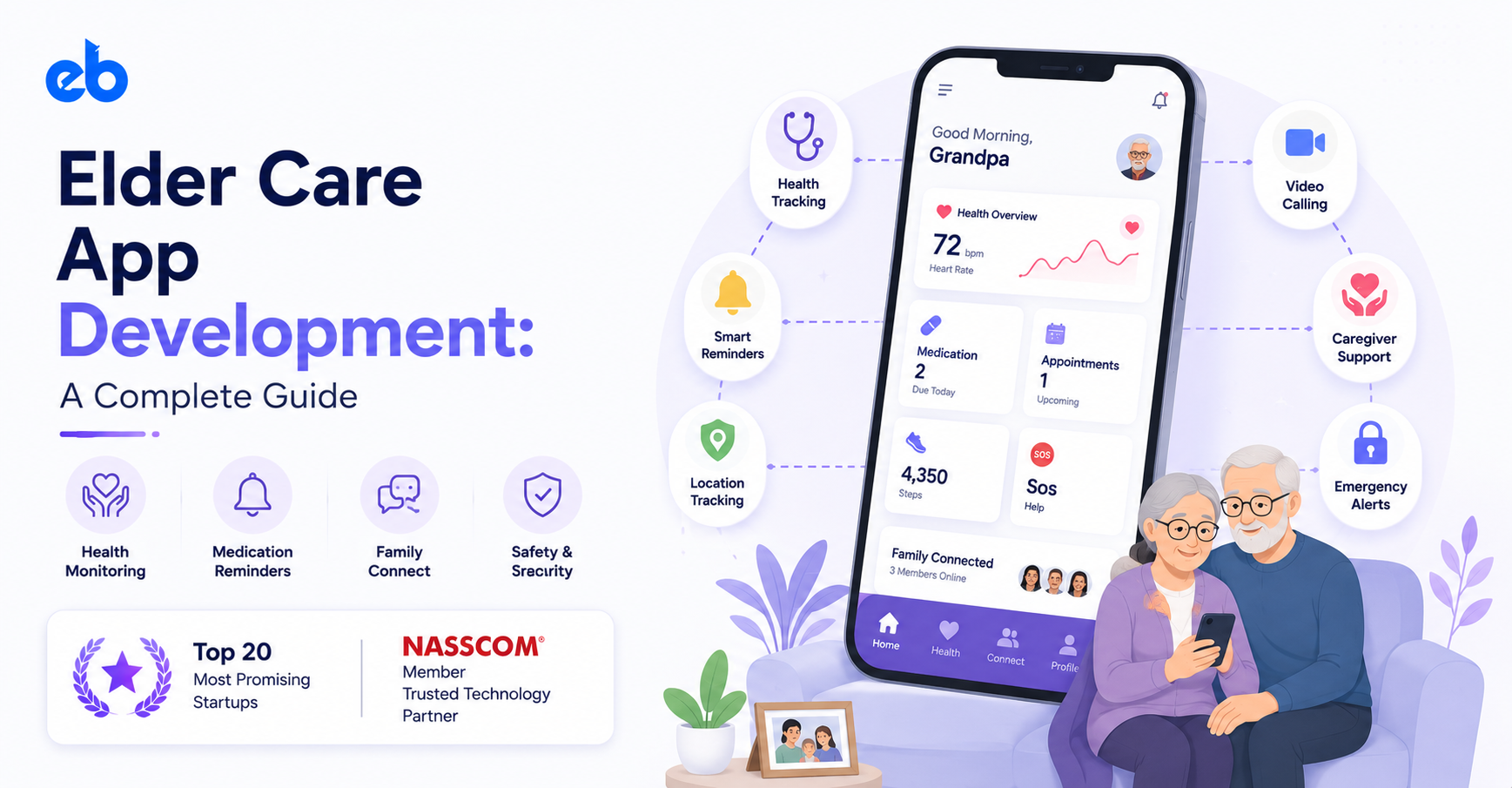
Keep the home screen to three actions or fewer. A single SOS button that works from the lock screen. Medication reminders that repeat with escalating alerts. Voice input instead of typing, because typing on glass with dry fingertips fails often. One-tap video calling with a photo of the person, not a name in a contact list.
This is where retention lives. Give them a status view that answers the worry question in two seconds: last activity, last medication taken, last vitals reading. Add push alerts for missed doses and unusual inactivity. Include shared notes so three siblings stop repeating the same phone call to the same doctor.
Caregivers need shift schedules, GPS-verified clock in and clock out, structured visit notes, and incident reporting. Agency admins need coverage gaps flagged before they become missed visits. Exportable documentation matters here, because Medicaid billing and audits depend on it.
Elder care app development fails when the product tries to serve seniors, families, and agencies on day one. Choose the person who feels the pain hardest and pays to make it stop.
Usually that is the adult daughter, age 45 to 60, managing care from another state. Write down the single moment she panics, such as a missed evening call. Build the feature that removes that moment. Every other requirement waits behind it.
Build the smallest version that solves that one moment, then put it in ten real households. Not focus groups. Actual homes, with actual seniors, for at least six weeks. Watch what breaks: the setup, the charging, the notification fatigue, the fear of being watched.
A staged MVP development approach costs less than a full build and tells you which half of your roadmap to delete. Most teams discover their monitoring feature matters less than their messaging feature.
This is the step that separates elder care app development from generic health apps. Set base font size at 18px or larger and never rely on gray text on white. Make tap targets at least 60×60 pixels, since tremor and reduced dexterity are common.
Use high contrast, avoid thin fonts, and keep gestures to taps only. Skip swipe-to-delete and long-press menus entirely. Support screen readers and hearing aid pairing, and test with the phone at maximum system font size.
Now wire the plumbing. Device data flows in from Apple HealthKit, Google Health Connect, or Bluetooth cuffs and glucometers. Clinical data flows through FHIR R4 endpoints if you connect to an EHR.
Careful API development matters here, because every reading needs a timestamp, a source, and an audit trail. Design for missing data too. A wearable that stopped syncing must never look identical to a senior who is genuinely fine.
Usability testing with 30-year-old QA engineers will pass every screen and teach you nothing. Recruit testers in their seventies and eighties, including some with mild cognitive impairment.
Sit with them during first-time setup and time it. If activation takes more than ten minutes without help, it will fail at scale. Launch in one city or one agency, watch alert accuracy for 60 days, then expand. In elder care app development, false alarms destroy trust faster than missing features.
If your app touches health data and works with a covered entity, HIPAA applies. That means encryption in transit and at rest, role-based access, audit logs, and signed business associate agreements. The practical checklist in this guide to building a HIPAA compliant app covers the engineering side well.
Elder care app development adds a second problem that pure health apps avoid. Consent gets murky when the person being monitored has dementia. Who authorizes location tracking? What happens when a parent wants the tracking off and the family wants it on?
Handle it in the product, not the terms of service. Show the senior exactly who can see what. Give them a visible indicator when monitoring is active. Products that treat older adults as subjects rather than users get uninstalled by the people they were built to protect.
| Scope | What it covers | Typical range |
| Focused MVP | Reminders, SOS, one caregiver dashboard | $35,000 to $60,000 |
| Mid-complexity app | Wearable sync, vitals, video visits, roles | $70,000 to $150,000 |
| Full platform | RPM, EHR integration, agency ops, AI alerts | $150,000 to $300,000+ |
Three things move elder care app development costs most: device integrations, HIPAA infrastructure, and the number of distinct user roles. Each new role adds screens, permissions, and testing.
Location changes the math too, and the comparison in healthcare app development cost India vs USA is worth reading before you sign anything. Budget another 15% to 20% of build cost annually for maintenance, OS updates, and device firmware changes.
Skip the chatbot. The useful models in elder care app development run quietly in the background.
Fall detection using accelerometer and gyroscope patterns is the obvious one, though tuning it to ignore a dropped phone takes real work.
More valuable is deviation detection. Once you have 30 days of routine data, ML development models can flag that someone who normally makes coffee at 7 AM has not moved since yesterday evening.
Medication adherence prediction is another strong fit. Models can spot the drift toward missed doses days before a refill gap appears.
Teams adding this through structured AI development should hold one rule firmly: an alert with no clear next action is just noise that trains families to ignore your app.
Elder care app development rewards restraint. The winning products in this space do one thing dependably instead of six things adequately, because trust here is binary. A family that gets one false alarm at 3 AM stops believing everything else your app says.
Pick the narrowest version of the problem you can solve. Test it in real homes with real seniors. Expand only once the alerts have earned their credibility.
If you are scoping elder care app development and want a build partner with healthcare and mobile app development depth, EngineerBabu works across HIPAA-ready platforms from MVP through scale.
A focused MVP with reminders, alerts, and a caregiver dashboard usually takes 12 to 16 weeks. Adding wearable integrations, video visits, and HIPAA infrastructure pushes a full build to 6 to 9 months.
Only if it creates, stores, or transmits protected health information on behalf of a covered entity or business associate. A pure family coordination app may fall outside HIPAA, but state privacy laws can still apply.
Adoption by the older adult. The technical work is manageable. Getting an 82-year-old to complete setup and keep the app installed is the real constraint, which is why onboarding deserves as much design time as any feature.
Cross platform works well for the caregiver side. For the senior-facing app, native usually wins because accessibility APIs, background sensors, and health data frameworks behave more predictably on each platform.
Yes. Apple HealthKit and Google Health Connect cover most consumer devices, and medical grade cuffs and glucometers connect over Bluetooth. Confirm each device’s API terms before you promise support in a sales deck.
Look for shipped healthcare products, HIPAA experience, and accessibility work you can verify. Comparing shortlists of mobile app development companies helps, but the deciding question is whether they have built for users over 75 before.