Voice AI in Mobile Apps: How to Add Voice Features


Create engaging, high-performance mobile applications tailored to your business needs. We craft future-ready apps that offer smooth user experiences on all devices.
Build robust and scalable websites and CMS platforms that help you manage content effortlessly. Our development ensures a seamless digital presence.
Launch secure, feature-rich online stores with intuitive shopping experiences. We build tailored eCommerce platforms designed for growth.
Design captivating games with immersive gameplay and stunning graphics. From concept to launch, we build engaging experiences that players love.
Enhance your customer relationships with customized Salesforce implementations. Drive growth and efficiency with smarter CRM solutions.
Harness artificial intelligence and machine learning to automate workflows and gain actionable insights. Our AI transforms data into smart decisions.
Accelerate your software delivery lifecycle with continuous integration, delivery, and infrastructure automation to boost efficiency.

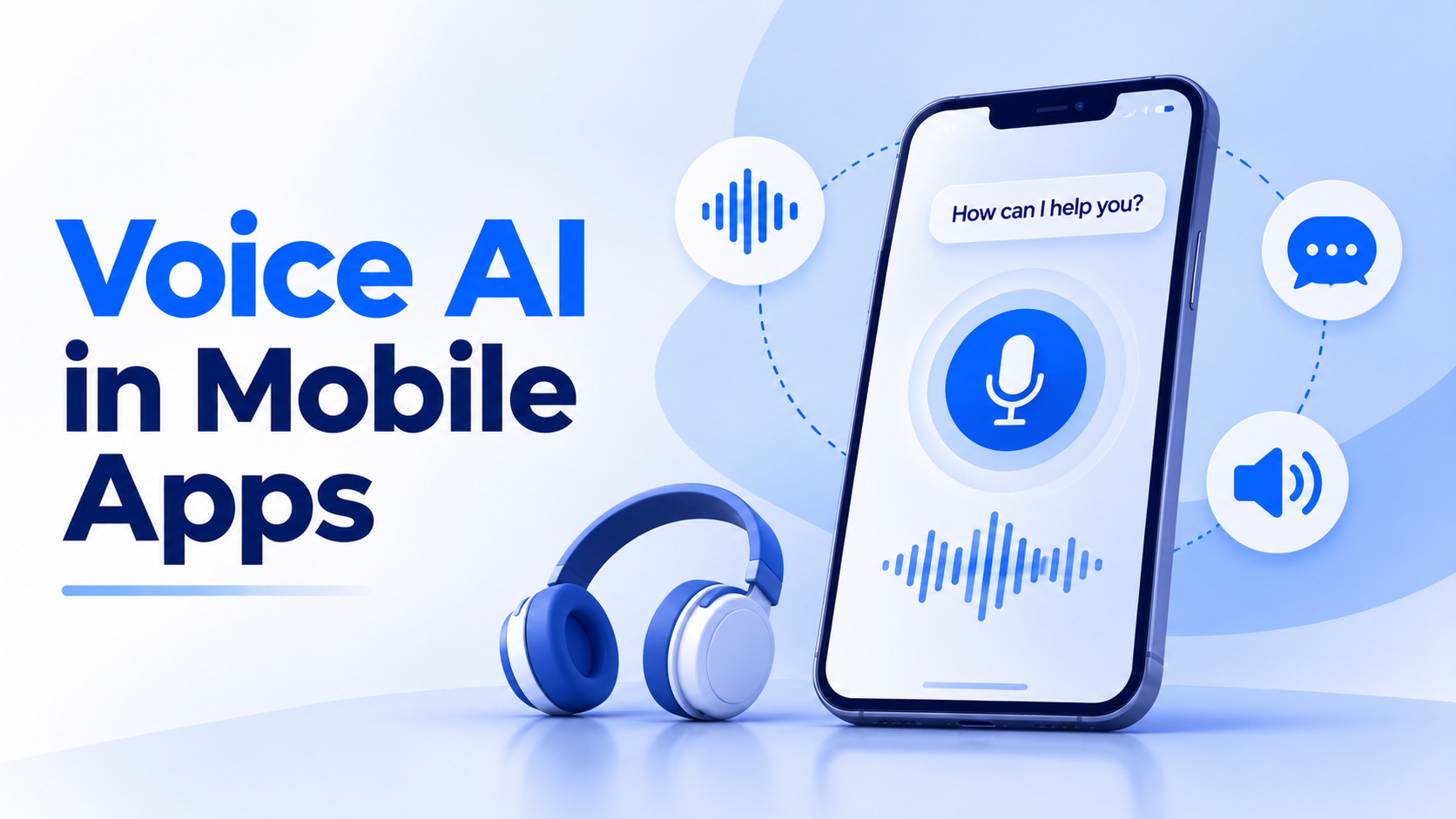
Typing is the slowest thing a user does on a phone. Voice AI in mobile apps removes that bottleneck, and in 2026 the technology is finally accurate and fast enough to trust in production.
The shift is practical, not futuristic. A delivery driver logging a failed drop, a nurse recording vitals between patients, a customer reordering groceries: each finishes faster by speaking than by tapping through four screens.
TL;DR
Voice AI in mobile apps is the combination of technologies letting an app listen to speech, understand the intent behind it, act on that intent, and respond. It replaces or supplements tapping, typing, and navigation.
Older voice features worked on fixed command grammars. Say an exact phrase, get an exact result, and fail on anything else. Modern voice AI uses large language models to understand loose phrasing, incomplete sentences, and corrections mid-sentence, which is why adoption finally moved past novelty.
The practical definition is simple. If a user can speak naturally and the app does the right thing, you have voice AI. If they must memorize phrases, you have a voice menu.
The microphone layer handles permissions, noise suppression, and voice activity detection. It also decides whether the app listens on a button press or on a wake phrase. Push-to-talk is cheaper, more private, and simpler to launch first.
A recognition model converts audio into a transcript. Whisper, Deepgram, AssemblyAI, Google, and Apple’s on-device recognizer all compete here. Streaming models return partial text while the user is still speaking, which cuts perceived wait time sharply.
This layer converts “move four hundred to my savings” into a structured action with validated parameters. Rule-based matching handles narrow commands. LLM function calling handles real speech, which is why most conversational AI development work now lives at this stage.
The structured intent hits your existing APIs. Nothing special happens here, which is the point. Voice should be an input method feeding the same business logic your buttons already use.
Text-to-speech returns the response. Streaming matters more than voice quality, because users forgive an average voice far more readily than a three-second silence. Custom ranking or classification built through machine learning development services can sit alongside this without touching the audio path.
Spending follows capability. The voice and speech recognition market reached USD 15.2 billion in 2025 and is projected to hit USD 51.5 billion by 2034, growing at 14.10% across 2026 to 2034, according to IMARC Group.
Three forces are driving that curve. Recognition accuracy now handles accents and background noise reliably. Inference costs dropped enough to run per session without wrecking margins. And users already talk to devices daily, so the behavior needs no education.
Product teams tracking AI in mobile app development now treat voice as an input channel rather than a standalone feature.
| Industry | Voice use case | Business impact |
| Healthcare | Clinical notes, symptom intake | Less documentation time per patient |
| Fintech | Balance checks, transfers, fraud reports | Fewer support calls, faster actions |
| Logistics | Delivery status, route updates | Hands-free driver reporting |
| Retail | Voice search, reorder, order tracking | Higher repeat purchase frequency |
| Automotive | In-car controls and navigation | Safer, distraction-free interaction |
| Education | Pronunciation practice, voice tutoring | Stronger learner engagement |
Open-ended assistants fail because users never learn the boundaries. Start with the three actions people repeat most and already find tedious to tap through.
Check analytics for flows with the highest frequency and deepest screen counts. Those are your candidates. Write the ten most likely phrasings for each command, including messy ones with filler words and false starts. That list becomes your test set and your prompt input. Three commands that work reliably beat twenty that half-work.
Decide between on-device and cloud recognition before writing integration code, because that choice affects latency, cost, and your privacy policy simultaneously.
On-device works offline, keeps audio local, and carries no per-request cost, but handles accents and domain vocabulary less reliably. Cloud models deliver stronger accuracy, streaming transcripts, and custom vocabulary support.
Many production apps run a hybrid, using on-device for short commands and cloud for longer requests. Test both against recordings from your actual users before signing a vendor contract.
Never let a raw transcript trigger an action directly. Route it through a model that returns structured data with explicit fields, then validate that structure before anything executes.
Define a schema for each command with required parameters and acceptable ranges. If an amount exceeds a threshold or a recipient is missing, the app asks a clarifying question rather than guessing. This is standard in AI integration services work and the main safeguard against voice doing something expensive by accident. Log every mismatch for tuning.
Users judge voice on speed first. Target under 1.2 seconds from end of speech to first audio response, measured on mid-range Android devices rather than flagship phones.
Stream everything. Send audio while the user speaks, run inference on partial transcripts, and begin playback at the first sentence of the reply. Cache common responses locally and show live transcription so users see progress instead of silence.
Teams using generative AI development services often find prompt length, not model selection, is the largest latency lever available.
Voice will misfire. Background noise, cross-talk, and unfamiliar names guarantee it, so recovery deserves as much design attention as the successful path.
Always display the transcript so users can see what the app heard. Offer one-tap correction and a visible fallback to the standard interface. For irreversible actions like payments or deletions, require a tap confirmation rather than a spoken yes. Track how often users abandon voice mid-flow, because that number reveals product fit better than accuracy scores do.
Ship narrow, measure hard, and expand only where the data supports it. Track task completion rate, average latency, fallback rate, and repeat usage per user.
Completion rate matters most. An assistant with 95% transcription accuracy and 60% completion is failing at the intent layer, not the audio layer. Review failed transcripts weekly for the first two months, since real phrasing always differs from what the team predicted. Add the fourth and fifth commands only after the first three clear your benchmarks.
| Factor | On-device | Cloud |
| Latency | 200 to 400ms | 500ms to 1.5s |
| Accent accuracy | Moderate | Strong |
| Offline support | Yes | No |
| Per-use cost | None | Per minute or token |
| Privacy posture | Audio stays on device | Needs processing agreements |
| Custom vocabulary | Limited | Fully supported |
| Model updates | Tied to app releases | Instant, server side |
Regulated products usually keep capture on-device and send only sanitized text onward. Consumer products usually start in the cloud and optimize later. Specialized builds such as AI voice agent development often combine both within a single session.
| Component | Typical range | Notes |
| Speech to text | USD 0.004 to 0.015 per minute | Varies by provider tier |
| LLM intent processing | USD 0.001 to 0.01 per request | Driven by prompt length |
| Text to speech | USD 10 to 30 per million characters | Premium voices cost more |
| Typical 30-second session | USD 0.02 to 0.06 | Combined API cost |
That is manageable at 10,000 sessions monthly and painful at a million, so model unit economics before launch. The pattern mirrors AI chatbot development cost with audio processing layered on top.
Voice data sits close to biometric data, and regulators treat it accordingly. Illinois BIPA, GDPR, and sector-specific rules all apply depending on who your users are.
Collect explicit consent before the first recording, state retention periods plainly, and make deletion genuinely work. Never retain raw audio by default.
In healthcare builds, your speech vendor needs a signed BAA, the same discipline required for HIPAA compliant app development across any sensitive data type.
Three shifts are already visible. On-device models are getting good enough to handle full conversations without a network, which solves privacy and latency together.
Voice is also merging with agentic behavior. Instead of answering a question, the assistant completes a multi-step task across several APIs, closer to patterns seen in AI chatbot development work today.
The third shift is emotional and contextual awareness. Models now detect frustration, urgency, and hesitation in tone, letting apps escalate to a human before a user gives up. Expect voice AI in mobile apps to become an expected input option rather than a differentiator by 2028.
EngineerBabu builds voice features into production apps across fintech, healthcare, and logistics, where hands-free input saves measurable operational time rather than adding novelty.
The team’s AI development services cover speech vendor evaluation, intent design, latency engineering, consent flows, and compliance review, delivered through a CMMI Level 5 process with senior engineers staying on the build.
Teams extending an existing product can also hire AI developers experienced in latency-sensitive audio work, not just text-based chat interfaces.
Yes, with noise suppression and push-to-talk capture. Accuracy drops in sustained loud noise, so test with real recordings from the actual environment before committing.
A focused set of three to five commands typically takes six to ten weeks, covering vendor evaluation, intent design, noisy-condition testing, and consent flow implementation.
Major providers cover Hindi and several Indian languages, though accuracy varies by dialect. Code-mixed speech remains challenging and needs testing against your own user recordings.
With safeguards, yes. Require tap confirmation for money movement, apply confidence thresholds, and never execute transactions on transcript text without structured validation first.
In hands-busy and repetitive-task contexts, strongly yes. For browsing, comparison, and private settings, users consistently prefer touch, so voice should complement rather than replace it.