How to Build a Human Capital Management Software (2027)


Create engaging, high-performance mobile applications tailored to your business needs. We craft future-ready apps that offer smooth user experiences on all devices.
Build robust and scalable websites and CMS platforms that help you manage content effortlessly. Our development ensures a seamless digital presence.
Launch secure, feature-rich online stores with intuitive shopping experiences. We build tailored eCommerce platforms designed for growth.
Design captivating games with immersive gameplay and stunning graphics. From concept to launch, we build engaging experiences that players love.
Enhance your customer relationships with customized Salesforce implementations. Drive growth and efficiency with smarter CRM solutions.
Harness artificial intelligence and machine learning to automate workflows and gain actionable insights. Our AI transforms data into smart decisions.
Accelerate your software delivery lifecycle with continuous integration, delivery, and infrastructure automation to boost efficiency.
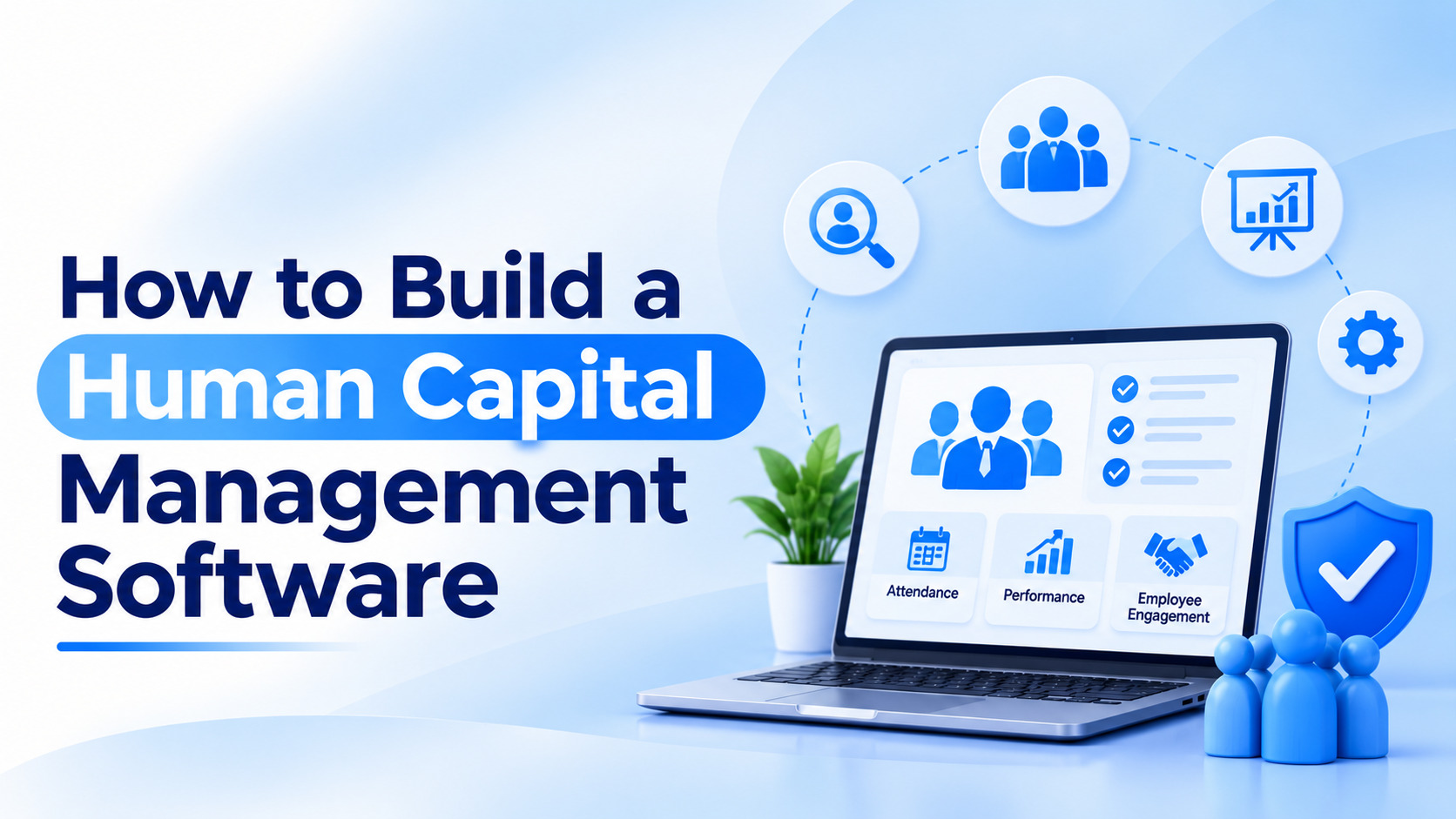
Most HR teams do not outgrow their software because headcount doubled. They outgrow it because the tool refuses to bend around how the company actually runs payroll, approvals, and reviews.
That is usually the point where leaders decide to build a human capital management software of their own.
This guide covers what sits inside an HCM platform, the modules worth building first, the tech stack behind them, the compliance load you inherit, and a realistic cost and timeline. No theory, no vendor pitch, just the decisions that shape the build.
TL;DR
HCM software is broader than an HR database. It manages the full employee lifecycle, from the first application to final settlement, inside one connected record. Payroll, attendance, performance, learning, and succession all read from that same record instead of separate spreadsheets.
That single record is the real product. Everything else is a view on top of it, which is why employee data behaves like master data management software rather than a simple HR table.
The market reflects how central these systems have become. The global HCM market stands at USD 37.52 billion in 2026 and is projected to reach USD 77.37 billion by 2034, growing at 9.5% CAGR, according to Fortune Business Insights.
Buying is faster and usually cheaper on day one. Building wins when your processes are the differentiator, not the overhead. This section covers the three conditions that justify a custom build.
Packaged suites assume a standard approval chain, a standard pay cycle, and standard job architecture. Staffing firms, hospital groups, and multi-entity manufacturers rarely match those assumptions. When half your process lives in spreadsheets beside the HR tool, configuration has already failed.
Companies in that position build a human capital management software shaped around the real process instead of forcing people to work around the product. The usual trigger is a workflow that touches contractors, shift pools, or client billing, which generic suites handle poorly.
Workforce data feeds finance, operations, and client reporting. Vendor APIs decide what you can export, how often, and at what cost. Teams that treat workforce data as an asset move it in-house through enterprise software development rather than renting access to it.
Ownership also removes the ceiling that low-code platform development eventually hits when logic gets complicated.
Licensing scales with headcount, not with value. At a few thousand employees, annual renewals often exceed what a focused build would have cost outright. The math changes again when you need modules the vendor sells as separate add-ons.
Scope creep kills HCM projects faster than technical difficulty. The modules below are the ones that earn their place in version one. Treat the rest as phase two until the core is stable.
This is the foundation: personal data, job history, compensation bands, reporting lines, documents, and lifecycle status. Every other module reads from it, so field-level permissions and audit history belong here, not bolted on later.
Payroll needs exact inputs: shifts, leave balances, overtime, reimbursements, and statutory deductions. Accuracy matters more than features, because one wrong cycle costs trust you will not win back quickly.
Requisitions, sourcing, interviews, offers, and onboarding handoffs sit here. Many companies already run a separate applicant tracking system, so decide early whether you rebuild it or integrate it.
Goal cascades, review cycles, feedback, and calibration. Keep the review logic configurable, since review formats change far more often than payroll rules do.
Course assignment, compliance training, certifications, and skill mapping. If training is central to your business, treat it like corporate LMS development rather than a checkbox module.
Headcount, attrition, cost per hire, span of control, and internal mobility. Analytics should sit on a modeled data layer, not on live transactional tables.
The sequence below reflects how successful HCM builds actually progress. Each step produces something testable before the next one starts. Skipping ahead is the most common reason these projects stall at 70%.
Start with the three processes costing the most time today. Payroll corrections, approval delays, and compliance reporting usually top the list. Quantify them in hours and error rates so you have a baseline to measure against.
Teams that build a human capital management software without this baseline end up debating opinions during UAT. Write down which processes stay manual on purpose. A clear exclusion list protects your timeline more than any feature list ever will.
Before any screen gets designed, define the employee entity, employment records, positions, org units, and effective-dated changes. Effective dating is the part teams underestimate.
HR data is historical, so a promotion backdated by two weeks must recalculate payroll and reporting correctly. Decide how you store terminations, rehires, dual employment, and contractor records. Getting this wrong forces a painful migration later, after real payroll data already sits in the system.
Full suites take quarters. A focused first release takes weeks. Choose the two modules that remove the most manual work, then ship those into production with real users.
An MVP development approach works well here because HR adoption depends on trust, and trust builds through small reliable releases. Lock the phase-two list in writing so stakeholders stop renegotiating scope mid-sprint.
HCM systems have unusually complex access rules. A manager sees their team, HR sees the function, finance sees cost but not performance notes, and employees see themselves. Build permissions as a policy layer, not as conditions scattered across screens.
Then map approval chains for leave, expenses, promotions, and exits, including delegation when an approver is away. Most support tickets in year one come from permissions and approvals, so invest here early.
An HCM platform rarely lives alone. It exchanges data with finance systems, identity providers, banking partners, insurers, and background check vendors. Treat integrations as a first-class module with its own retries, logging, and reconciliation.
Solid API development at this stage prevents the brittle nightly file transfers that break quietly. Teams that build a human capital management software with integrations deferred to the end almost always slip their launch date.
Once clean data flows, add reporting. Start with headcount, attrition, and cost dashboards that leaders actually open. Only after that should you introduce prediction, such as flight-risk scoring or shift demand forecasting.
Models trained on messy HR data produce confident nonsense, so the order matters. Keep every AI output explainable, since workforce decisions get challenged and must be defensible to legal teams.
Functional testing is not enough. Run parallel payroll cycles against your existing system until results match to the rupee or cent. Test leave accruals across year boundaries, mid-cycle salary revisions, and tax threshold changes.
Then roll out by business unit, not company-wide. A staged rollout gives you a contained blast radius and real feedback before the full population depends on it.
Stack choices here are driven by data integrity and audit needs more than by raw speed. Relational storage, strict transactions, and strong background job handling matter most.
| Layer | Common choices | Why it fits |
| Backend | Java, .NET, Node.js, Python | Mature transaction handling and payroll-grade libraries |
| Database | PostgreSQL, SQL Server | Relational integrity and effective-dated records |
| Frontend | React, Angular | Heavy forms, tables, and role-based views |
| Jobs and queues | Redis, RabbitMQ, Kafka | Payroll runs, accruals, and bulk imports |
| Reporting | Warehouse plus BI layer | Separates analytics load from live HR tables |
Hosting usually runs on managed cloud computing with region pinning, because employee data often cannot leave its country.
For the reporting layer, teams that build a human capital management software with scale in mind pair a warehouse with proper data analytics services instead of querying production directly.
HCM systems hold salary data, identity documents, health declarations, and performance records. That makes them a high-value target and a regulated workload at the same time. Encryption at rest and in transit is the baseline, not the achievement.
Plan for data residency rules, since several countries require payroll and identity data to stay inside national borders. Add consent tracking, retention schedules, and deletion workflows for GDPR-style requests. Role-based access needs field-level granularity, because a manager approving leave should not see bank details.
Audit logging deserves its own design. Every salary change, role change, and document access should be traceable with who, what, and when.
Companies that build a human capital management software for regulated industries often fold in compliance automation software development so statutory filings and audit evidence are generated, not assembled by hand.
A focused HCM build with core HR, leave, and attendance typically runs three to five months. Adding payroll, performance, and integrations pushes it to seven to twelve months, depending on country coverage. Multi-country payroll is the single biggest timeline multiplier.
Budget ranges vary widely by region and team composition. Most mid-market builds land between USD 60,000 and USD 250,000 for a production-ready first release, with ongoing maintenance at roughly 15 to 20% annually. For a full breakdown by project type, read this custom software development cost guide.
Team structure affects cost as much as scope. A dedicated development team model usually works better than fixed-bid contracts here, because HR requirements keep evolving as real users touch the system.
These failures repeat across industries and company sizes. Most are planning problems rather than engineering ones. Avoiding them costs nothing at the start and a fortune later.
AI earns its place in an HCM platform once the data is clean and consistent. Resume screening, interview scheduling, attrition signals, and shift forecasting all show measurable returns.
The patterns behind AI in HR tech apply directly to internal platforms, not just recruiting products.
Keep humans in the loop for anything affecting pay, promotion, or exit. Teams that build a human capital management software with AI baked in from day one usually regret it, since biased or thin training data produces decisions nobody can defend. A staged approach, as used in AI HR platform development, works better.
EngineerBabu builds HR and workforce platforms the way they need to be built: data model first, payroll tested to the decimal, integrations designed to survive production.
The team covers employee data architecture, multi-entity payroll logic, role-based access design, analytics layers, and cloud deployment with region controls.
Work runs on a CMMI Level 5 delivery process with senior engineers staying on the project, which matters when requirements shift mid-build. For companies planning a multi-tenant product rather than an internal tool, the same team handles SaaS development with tenancy, billing, and provisioning included.
The decision to build a human capital management software should come from a workflow reality, not from frustration with a vendor. If packaged suites fit your process, configure one and move on.
If they do not, a custom platform pays back through accuracy, ownership, and the ability to change rules without raising a support ticket.
Start narrow, model the data properly, and test payroll like money depends on it, because it does.
No. An HRIS stores core employee records and administrative data. HCM is broader, adding talent, performance, learning, and workforce planning on top of that same record.
Internal platforms usually run single-tenant for simpler data residency and customization. Choose multi-tenant only if you plan to sell the product to other organizations later.
Yes, but each country needs its own statutory rules, tax logic, and filing formats. Many teams run a global core with country-specific payroll engines connected through APIs.
Export master records first, clean duplicates, map fields to the new model, then run parallel systems for one or two cycles before switching off the old tool.
For desk-based teams, a responsive web app is usually enough. Field, shift, and frontline workforces need native apps for attendance, geo check-ins, and offline access.