MCP Server Development: Make Your App AI-Agent Ready


Create engaging, high-performance mobile applications tailored to your business needs. We craft future-ready apps that offer smooth user experiences on all devices.
Build robust and scalable websites and CMS platforms that help you manage content effortlessly. Our development ensures a seamless digital presence.
Launch secure, feature-rich online stores with intuitive shopping experiences. We build tailored eCommerce platforms designed for growth.
Design captivating games with immersive gameplay and stunning graphics. From concept to launch, we build engaging experiences that players love.
Enhance your customer relationships with customized Salesforce implementations. Drive growth and efficiency with smarter CRM solutions.
Harness artificial intelligence and machine learning to automate workflows and gain actionable insights. Our AI transforms data into smart decisions.
Accelerate your software delivery lifecycle with continuous integration, delivery, and infrastructure automation to boost efficiency.

Your product has an API, a dashboard, and solid documentation. An AI agent can still fail to use any of it correctly. That gap is exactly what MCP Server Development closes.
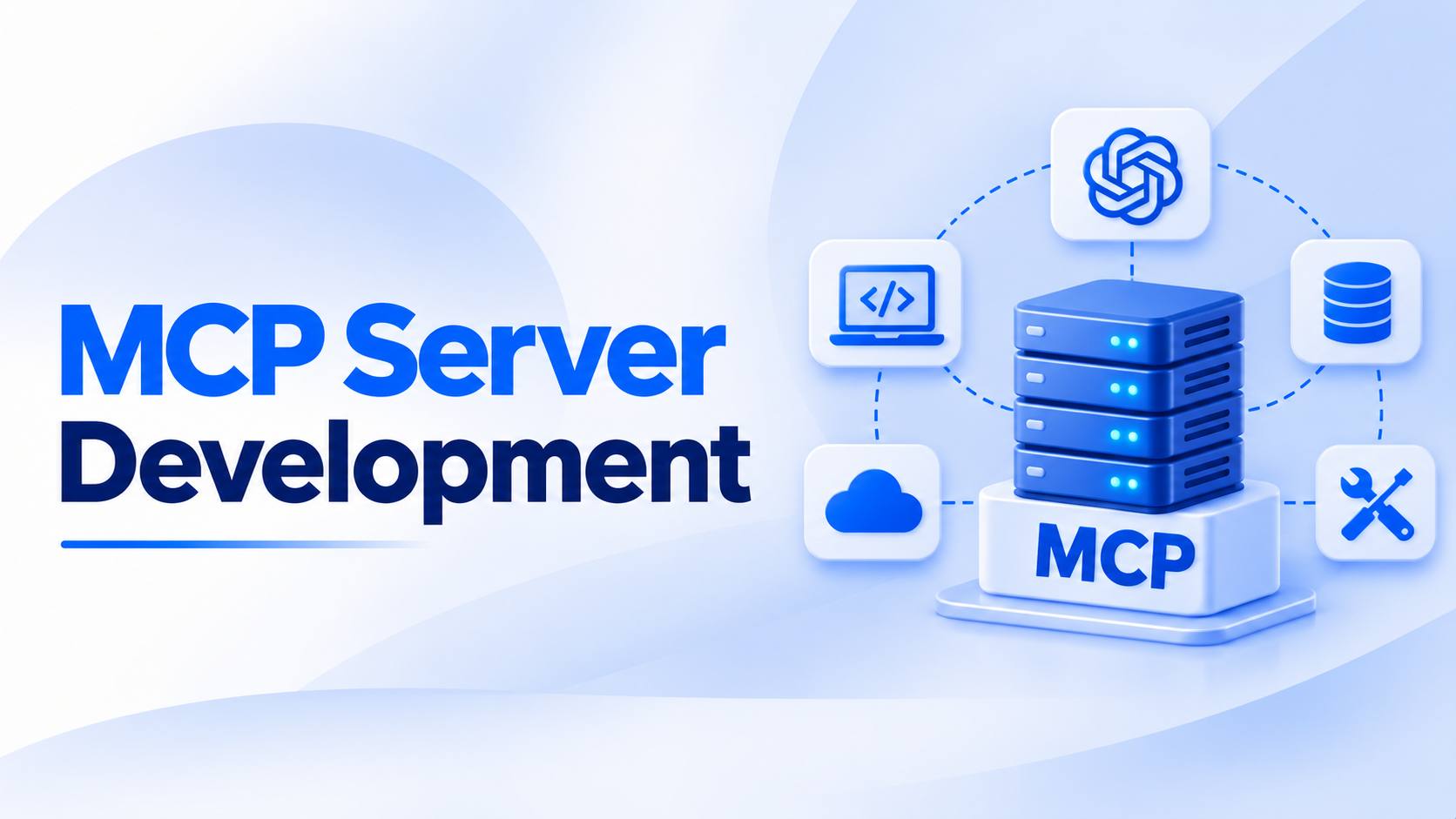
MCP Server Development is the work of exposing your product through a Model Context Protocol server, so AI agents can use it directly. Instead of writing a custom connector for every assistant, you publish one server that any MCP client can read.
The protocol defines how an agent lists your tools, pulls your data, and runs actions with permission. For SaaS products, internal platforms, and data services, agent access is turning into a basic expectation rather than an experiment.
This guide covers what sits inside an MCP server, how to build one, and the design choices that quietly decide whether agents succeed or stall.
MCP Server Development means building a server that speaks the Model Context Protocol, an open standard for connecting AI models to external systems.
Anthropic released the protocol in late 2024 and handed it to the Agentic AI Foundation under the Linux Foundation in December 2025. It has since become the common language between agents and software.
The server sits in front of your existing systems and does not replace your backend. It advertises a list of capabilities, and an MCP client like Claude, ChatGPT, or a coding IDE reads that list before acting. When an agent needs to create an invoice or search a knowledge base, it calls your declared tool instead of guessing at an endpoint.
Most teams already have the plumbing from earlier API development work. MCP Server Development adds the layer that makes those endpoints safe, discoverable, and readable to a model.
Agents are moving from demos into daily workflows inside real companies. That shift changes how software gets discovered, used, and renewed. This section covers the three business reasons MCP Server Development has climbed up product roadmaps this year.
Gartner estimates that up to $234 billion in enterprise application spending is exposed to agentic arbitrage, with agents expected to account for roughly 20% of enterprise SaaS spend by 2030 (Gartner, July 2026). The logic behind that number is simple. When one agent finishes a task across five systems, people stop opening five interfaces. Products an agent cannot reach lose their seat quietly, without a single churn conversation.
Every new assistant used to mean another round of AI integration work with its own auth model and payload format. MCP collapses that into a single implementation. You build the server once, and every compliant client can use it. The maintenance math changes completely, which is the quiet reason MCP Server Development keeps winning internal approval.
Agents do not get raw database access through MCP. They get the specific actions you declared, under the same cloud security rules you already enforce. You decide what is readable, what is writable, and what needs human confirmation. That control is why regulated teams in fintech and healthcare are comfortable shipping servers at all.
An MCP server is smaller than most teams expect. The protocol defines three primitives, and almost every real implementation is some combination of them. This section breaks down each one and what it should carry.
Tools are functions the agent can call, each with a name, a description, and a typed input schema. A support product might expose tools that an AI customer service agent uses to fetch a ticket, add a note, or escalate a case. The description is not documentation for humans. It is the instruction the model reads when deciding whether to call that tool at all.
Resources are read-only context the agent can pull, like a policy document, a product catalog, or a customer record. They are addressed by URI, so the client fetches them on demand instead of stuffing everything into a prompt. Resources are how an AI knowledge management platform feeds grounded context into a model without bloating every request.
Prompts are templates your server hands to the client, usually to standardize a repeated task. A finance server might ship a prompt for reconciling a statement, with the right steps and guardrails baked in. They keep output consistent across users who would otherwise phrase the same request fifteen different ways.
Building the server is rarely the hard part. The hard part is deciding what agents should be allowed to do and proving it stays safe. These five steps reflect how production MCP Server Development usually runs.
Start with workflows, not endpoints. List the tasks users actually repeat inside your product, then mark which ones an agent could finish end to end. Read actions are the safe starting point, since a wrong read costs nothing.
Write actions need clear boundaries, approval rules, and a rollback story. Resist the urge to expose everything on day one. A focused server with eight well-chosen tools outperforms one with sixty vague ones, because the model spends less effort picking and makes fewer wrong calls.
Each tool needs a precise name, a plain-language description, and a strict input schema. Say what the tool does, when to use it, and when not to use it. Use enums instead of free text wherever the options are fixed. Mark required fields clearly and validate every input server side.
Return structured errors the model can act on, like a missing-permission message rather than a generic failure. Good schema work removes most of the retry loops that make agent sessions feel slow and unreliable.
Treat every agent call as untrusted input from a very fast user. Authenticate the client, then map that identity to the same permission scopes your app already uses. An agent acting for a support rep should never reach finance data.
Log every tool call with the caller, inputs, timestamp, and result, because that log is what your security team will ask for first. Add confirmation gates on destructive actions like refunds, deletions, or outbound messages. Rate limit per identity, not per server.
MCP supports local transport over standard input and output, plus remote transport over HTTP with streaming. Local suits developer tools that run on a single machine. Remote suits anything multi-user, which is most business software.
Deploy the server through your existing DevOps pipeline, with the same monitoring, secrets handling, and rollback you give any other service. Version your tool definitions from the start, since changing a schema after agents depend on it breaks workflows you cannot see.
Unit tests confirm your functions work. They do not confirm an agent will pick the right tool. Connect a real client and run the messy prompts your users will actually type, including ambiguous and incomplete ones.
Watch which tools get called, which get skipped, and where the model loops. Pair that with the same application testing discipline you apply elsewhere, covering auth failures, timeouts, and bad inputs. Most fixes end up being description rewrites, not code changes.
A few patterns cause the majority of failed rollouts. They rarely show up in a demo and almost always show up in week three.
EngineerBabu approaches MCP Server Development as product engineering, not a weekend integration. The team starts with workflow mapping, then designs the tool surface around what agents should genuinely be trusted to do.
Auth, scope mapping, audit logging, and versioning are built in from the first sprint rather than retrofitted before a security review.
That work sits alongside broader AI development capability across fintech, healthtech, and enterprise platforms, backed by a CMMI Level 5 delivery process. You can also hire AI developers to extend your own team when the server needs to ship fast without losing engineering discipline.
MCP Server Development is becoming the difference between software agents can use and software they route around. The build itself is modest. The decisions about scope, schemas, and permissions are what determine whether agents finish tasks or create cleanup work for your team.
Start narrow, instrument everything, and expand the tool surface once you can see how agents actually behave. If the stakes are high, bringing in an experienced AI agent development company early saves months of rework later.
No. MCP sits above your API and describes capabilities in a format models understand. Your REST endpoints keep serving apps and integrations exactly as they do today.
Official SDKs cover TypeScript, Python, Java, Kotlin, C#, and others. Pick whichever matches your existing backend, since the server mostly wraps logic you already run in production.
A focused server with six to ten tools typically takes three to six weeks, including auth, logging, and agent testing. Complex permission models and compliance reviews extend that timeline.
Yes. That portability is the main point of the standard. Any compliant client can connect to your server without you writing a separate integration for each one.
It can be, with scoped auth, per-identity rate limits, confirmation gates, and full call logging. Security comes from your implementation choices rather than from the protocol alone.
If users repeat multi-step tasks in your app, or ask whether it connects to their AI assistant, the demand already exists. Start with read-only tools and measure usage.