Progressive Web App Development: Features, Limits and Cost


Create engaging, high-performance mobile applications tailored to your business needs. We craft future-ready apps that offer smooth user experiences on all devices.
Build robust and scalable websites and CMS platforms that help you manage content effortlessly. Our development ensures a seamless digital presence.
Launch secure, feature-rich online stores with intuitive shopping experiences. We build tailored eCommerce platforms designed for growth.
Design captivating games with immersive gameplay and stunning graphics. From concept to launch, we build engaging experiences that players love.
Enhance your customer relationships with customized Salesforce implementations. Drive growth and efficiency with smarter CRM solutions.
Harness artificial intelligence and machine learning to automate workflows and gain actionable insights. Our AI transforms data into smart decisions.
Accelerate your software delivery lifecycle with continuous integration, delivery, and infrastructure automation to boost efficiency.

TL;DR
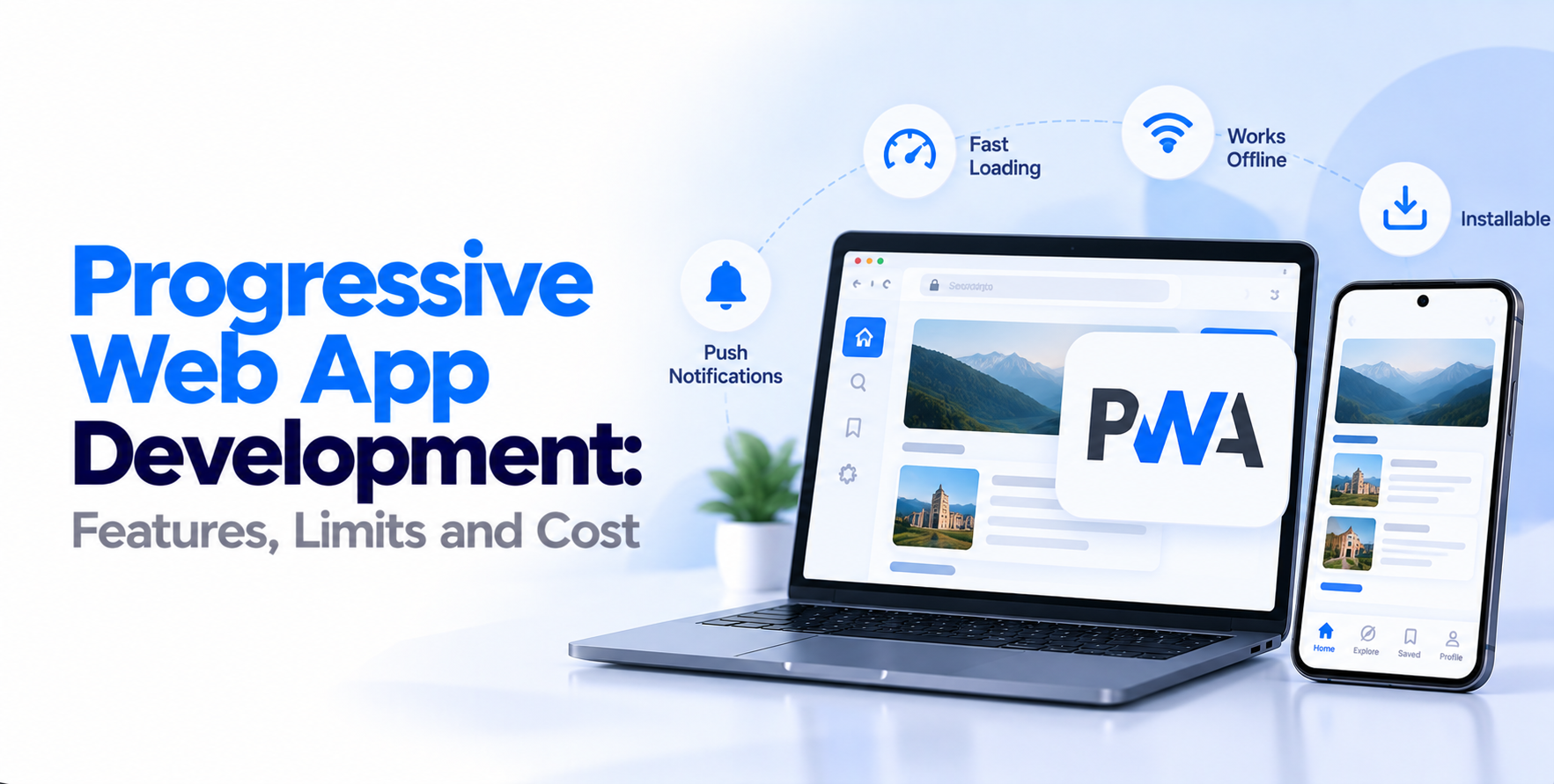
A progressive web app is a website that behaves like an installed app. It runs in the browser, installs to the home screen, works without a connection, and loads from cache in under a second. The technology behind it is not exotic.
A service worker, a web app manifest and HTTPS are the three required pieces. Everything else is standard web app development work with stricter performance discipline applied to it. The market is moving quickly too.
Research Nester values the progressive web apps market at roughly $3.14 billion in 2026, growing at a 30.2% CAGR through 2035.
Users tap an install prompt and your icon lands on their home screen. No download, no 60 MB wait, no store review queue. Updates ship the moment you deploy, so every user runs the current version within one page load.
Service workers cache your shell, assets and chosen API responses. A commuter on a subway still sees their saved content, and actions taken offline queue and sync when the connection returns. This single capability is what separates a PWA from a responsive site.
Web push works reliably on Android and desktop, and Safari now supports it for installed PWAs on iOS. Re-engagement is possible, though delivery and permission behavior differ enough across platforms that you should test both before promising a client any numbers.
PWAs are built around caching, lazy loading and small bundles, which lifts Core Web Vitals. The payoff compounds, because the same work improves your organic rankings and your conversion rate at once. Strong UI/UX design work matters here, since perceived speed is mostly a design problem.
The same build serves phones, tablets and desktops. For content-driven and transactional products, that removes two parallel native tracks from the budget entirely.
Before any code, decide exactly what must work without a connection. Browsing cached products, reading saved articles and viewing a boarding pass are realistic. Live inventory and payment authorization are not.
Write this down as an explicit contract, because it drives your caching strategy, storage limits and sync logic. Teams that skip this step build a service worker by guesswork and spend the back half of the project fixing stale data bugs.
A one-week discovery pass here usually saves three weeks later.
The shell is the minimal HTML, CSS and JavaScript needed to paint a usable interface instantly. It ships separately from content, gets cached aggressively, and renders before any API call returns.
Most teams build this with React, Vue or Angular, and ReactJS development services remain the most common choice for PWA shells because of the ecosystem around routing and state.
Keep the shell under 100 KB compressed. Every kilobyte here is paid for on every first visit by every user.
The service worker is the proxy between your app and the network. It intercepts requests, serves cached responses, and decides when to revalidate. Use cache-first for static assets, network-first for live data, and stale-while-revalidate for content that can be a few minutes old.
Version your caches explicitly so old assets get purged on deploy. Handle the update lifecycle properly too, or returning users will sit on an outdated build until they manually clear storage.
The web app manifest declares your name, icons, theme color, display mode and start URL. Browsers read it to decide whether your app qualifies for installation. Provide maskable icons at multiple sizes, set display to standalone, and define a start URL that makes sense as an entry point.
Then design the install prompt deliberately. A prompt fired on first page load gets dismissed. One offered after a user completes a meaningful action converts far better.
Test on real devices across both platforms, not just Chrome DevTools. Audit with Lighthouse, then verify offline behavior by actually switching the network off mid-session.
Run through a web application security checklist before launch, since service workers have broad access to requests and responses.
Instrument install rate, repeat visit rate and offline session count from day one, because those three metrics tell you whether the PWA investment is doing anything.
If any of those limits map to your core feature, the better exercise is comparing native, hybrid, or web app paths side by side before committing.
| Scope | Typical range | What it covers |
| Lightweight PWA | $12,000 to $20,000 | Content site, basic caching, install prompt, push |
| Standard business PWA | $25,000 to $45,000 | Auth, API integration, offline reads, dashboards |
| Transactional or commerce PWA | $45,000 to $90,000 | Catalog, cart, payments, offline sync, multi-role access |
Four things move these numbers more than anything else. Offline complexity comes first, because bidirectional sync with conflict resolution is genuinely hard engineering. Then integrations, since every third-party API adds error states and caching decisions.
Then design depth, and finally the number of user roles. If you are validating an idea rather than scaling one, a scoped MVP development build keeps the first release under $20,000 and tells you whether install rate justifies the rest.
For context against alternatives, a comparable responsive site typically runs lower, and the breakdown in how much does it cost to build a website is a reasonable baseline to measure the PWA premium against.
Retail, media, booking, SaaS dashboards, internal tools and marketplaces all suit progressive web app development well. Users arrive from search, convert in the browser, and install later if the product earns it.
Commerce teams in particular see the payoff fast, since the same build serves the storefront and the app, and that overlap pairs naturally with ecommerce development work already underway.
It is the wrong call for games, products built on continuous background tracking, apps that need tight OS integration, and anything where store billing is central to the model.
Progressive web app development is a sound engineering decision when reach, speed and update velocity matter more than deep device access. It is a poor one when the feature your product lives on is sitting behind a native API.
Decide which of those describes you before you pick a stack, not after.
Yes, but with limits. Safari enforces tighter storage quotas and may evict cached data after extended periods without use, so critical offline content needs smaller payloads and more careful cache management.
Yes. Trusted Web Activity lets you wrap a PWA as an Android package and list it on Play. Apple’s App Store does not accept a plain PWA wrapper the same way.
A focused build typically takes six to ten weeks. Commerce or multi-role products with real offline sync usually run twelve to twenty weeks, depending on how many integrations sit behind the interface.
Better, generally. They are crawlable web pages with strong Core Web Vitals, provided you render content server-side or use hydration correctly rather than relying on client-side rendering alone.
Often yes. If the site already loads fast and runs on HTTPS, adding a manifest and service worker can take two to four weeks. Slow legacy sites usually need rebuilding first.