Fitness App Development: Cost, Features, and Best Practices


Create engaging, high-performance mobile applications tailored to your business needs. We craft future-ready apps that offer smooth user experiences on all devices.
Build robust and scalable websites and CMS platforms that help you manage content effortlessly. Our development ensures a seamless digital presence.
Launch secure, feature-rich online stores with intuitive shopping experiences. We build tailored eCommerce platforms designed for growth.
Design captivating games with immersive gameplay and stunning graphics. From concept to launch, we build engaging experiences that players love.
Enhance your customer relationships with customized Salesforce implementations. Drive growth and efficiency with smarter CRM solutions.
Harness artificial intelligence and machine learning to automate workflows and gain actionable insights. Our AI transforms data into smart decisions.
Accelerate your software delivery lifecycle with continuous integration, delivery, and infrastructure automation to boost efficiency.

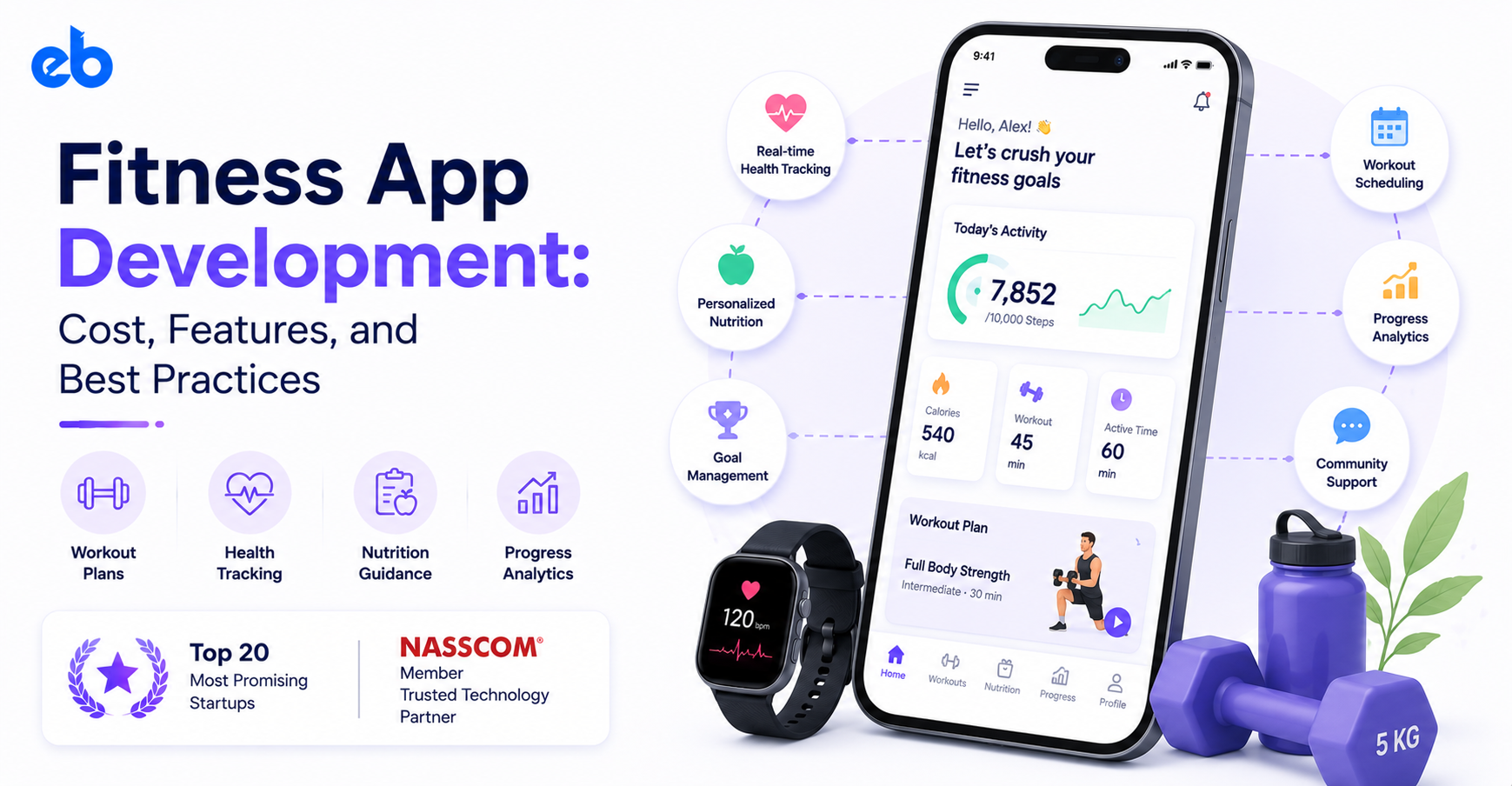
January is the best month for fitness. February is where the truth shows up.
Downloads spike, trials convert, and then the usage graph flattens as people quietly stop opening the app they were thrilled about six weeks earlier.
That drop-off is the real product problem in fitness app development, and no amount of polish on the onboarding screen fixes it.
This fitness app development guide covers what a build actually costs, which features earn their place, and the practices that keep users logging workouts in week twelve.
The sports app development category is not saturated so much as it is badly served. Plenty of apps track a run. Very few make someone want to run again on a rainy Tuesday.
The money reflects that gap. The global fitness apps market was valued at $12.1 billion in 2025 and is projected to reach $33.6 billion by 2033, growing at a 13.4% CAGR (Grand View Research).
Here is the more useful signal buried inside that growth. Sensor Tower recorded $4.5 billion in health and fitness in-app purchase revenue in 2025, up 13%, while installs in the same category grew just 0.8%.
Revenue is climbing on the back of retention, not new downloads. So plan your fitness app development around the person who is already inside the app.
Your fitness app development scope, data model, and budget all shift based on which of these you pick. Choose one and do it properly.
Structured programs, exercise libraries, rep and set logging, progressive overload tracking. Strength training apps live here, and they account for a large share of fitness app development briefs. The hard part is not the video player, it is the programming logic that adjusts weights and volume week to week.
Steps, heart rate, sleep, VO2 max, recovery scores. These lean heavily on Apple HealthKit, Google Health Connect, and device SDKs. Data accuracy and battery drain become your two biggest engineering problems.
Food databases, barcode scanning, macro targets, meal logging. Licensing a reliable nutrition database costs real money, and logging friction is the number one reason users quit. Studying how an app like HealthifyMe handles logging speed is a good starting point.
Streaming workouts, instructor schedules, leaderboards. Video infrastructure, CDN costs, and live streaming latency dominate the budget. Content production usually costs more than the software.
Guided breathing, sleep stories, mobility routines, stress tracking. Lighter engineering, heavier content and audio work. The build patterns overlap closely with a meditation app like Calm.
Skip the wish list. These features carry the experience, and they anchor most fitness app development budgets.
Ask for training age, injuries, available equipment, and days per week. Four questions, not fourteen. Every answer should visibly change the first plan the user sees, otherwise the questions feel like a form.
Logging must take seconds. Big tap targets, last-session weights pre-filled, offline capability for gym basements with no signal. Each exercise needs a short demo clip and a clear cue for form.
Sync is the most underestimated part of fitness app development. You need two-way sync with HealthKit, Health Connect, Garmin, Whoop, and Fitbit. Users expect one source of truth. Duplicate step counts across two apps is the fastest way to lose credibility.
Weekly volume, streaks, personal records, body metrics, photos. Show progress the user can feel proud of, not just a wall of charts. Trend lines beat raw numbers here.
App Store and Play Store billing, trials, pause options, family plans, win-back offers. Pausing instead of canceling saves a meaningful share of subscribers during holidays and injuries.
Challenges, friend feeds, coach messaging, group leaderboards. Social features are the cheapest retention mechanism you can ship, provided the group is small and active rather than large and silent.
This is where fitness app development gets interesting, and expensive. Add these only after the core loop works.
Adaptive programming is the highest-value AI use case in fitness app development. A model reads completed sets, reported effort, and recovery data, then adjusts next week’s load automatically.
That single feature turns a workout logger into a coach, and it is exactly the kind of problem ML Development work is built for.
Computer vision form checking uses the phone camera to count reps and flag poor technique. It demos beautifully and is genuinely hard to ship well across body types, lighting, and camera angles.
Conversational coaching, food photo recognition, and injury risk flags all fall under AI Development too. Each adds inference costs per active user, so model them into your unit economics before you commit.
Fitness app development costs vary because scope varies wildly. Below are realistic ranges for a professionally built product, not a template reskin.
| App type | What it includes | Typical cost | Timeline |
| Basic tracker | Workout logging, timers, profiles, simple backend | $18,000 to $35,000 | 8 to 12 weeks |
| Mid-complexity app | Auth, wearable sync, video library, subscriptions, admin panel | $40,000 to $90,000 | 4 to 6 months |
| AI-led or class platform | Adaptive plans, computer vision, live streaming, coach marketplace | $100,000 to $250,000+ | 7 to 12 months |
Where the budget goes inside a typical mid-complexity fitness app development project:
Annual maintenance runs 15 to 20% of the original build. For broader benchmarks across categories, this mobile app development cost breakdown is a useful cross-check.
Most fitness app development teams pick React Native or Flutter, which covers consumer products well and keeps two platforms in one codebase. Go native when you need advanced sensor access or a serious smartwatch experience.
On the backend, Node.js or Python with PostgreSQL handles workout and user data well, with a time-series store for high-frequency sensor readings. Firebase works for early stages, though heavy wearable sync usually outgrows it.
Video runs on Mux or AWS MediaConvert with CloudFront delivery. Analytics through Mixpanel or Amplitude matters more than most founders expect, because retention work is impossible without cohort data.
Start with one specific user and one specific result. A postpartum strength program and a marathon training app share almost no design decisions. Write down who quits your app today and why.
That sentence should drive scope more than any competitor teardown. Founders who skip this end up funding features nobody uses, then wondering why activation is flat. Clarity here saves more money than any offshore rate ever will. Pick the narrow audience first, then widen once the core group is retained.
Cut to the single loop that proves value: get a plan, complete a session, see progress. Everything else waits. This discipline separates fitness app development projects that ship from those that stall.
A focused MVP Development release ships in 10 to 14 weeks and gives you real retention data instead of opinions. Resist adding nutrition, social, and live classes in version one. Each extra pillar roughly doubles your surface area for bugs, content, and support without doubling your evidence.
Map the 40 seconds a user spends mid-workout, not the marketing screens. Large controls, high contrast, minimal taps between sets, and a rest timer that survives a locked screen. Design offline states early, because gyms have terrible reception.
Prototype the logging flow and test it with someone actually lifting. Watching a user fumble a screen with sweaty hands teaches more than any usability report you will read. Fix the rest timer before you polish the home screen.
Model workouts, sets, and biometrics before writing UI code. Sensor data arrives messy, duplicated, and out of order, so your sync logic needs conflict rules from day one. Wearable SDKs, nutrition databases, and billing all flow through this layer, which is why solid API Development practices matter more here than in most consumer apps.
Get this wrong and every later feature inherits the mess. Version your schema early, because biometric fields expand constantly as new devices get added.
Emulators cannot verify heart rate sync, background step counting, or battery drain across a 90-minute session. Test on a spread of Android devices, older iPhones, and at least two smartwatch brands. Run a closed beta with 30 to 50 people training for four weeks.
You will find timer bugs, missed notifications, and confusing progression rules that no QA script surfaces. Recruit testers at different fitness levels, not just people who already train seriously.
Ship, then measure day 1, day 7, and day 30 retention by cohort. Watch where users abandon their first workout and fix that single screen before building anything new. Most fitness app development budgets are spent before launch, which is backwards.
Reserve 20 to 30% of the budget for the three months after release, when you finally know which assumptions were wrong. That reserve is what turns a launch into a business.
Most fitness app development budgets are repaid through subscriptions, and annual plans carry the bulk of that revenue. Price the monthly plan high enough to make the annual plan obvious. Then use a 7 to 14 day trial instead of a permanent free tier that trains people not to pay.
Secondary streams work once you have scale. Coach marketplaces with revenue share, corporate wellness contracts, equipment partnerships, and one-off program purchases all help, especially for people who dislike subscriptions.
Ads rarely fit. Interrupting someone mid-set is a fast way to lose them.
Fitness app development is less about building more features and more about earning one repeated behavior. The teams that win are not the ones with the longest exercise libraries. They are the ones whose users finish a workout on a Tuesday in month four.
Budget for that. Build the core loop, measure it honestly, and spend your AI money only where it changes what the user actually does.
If you are scoping fitness app development work, choosing an experienced partner matters as much as the estimate.
EngineerBabu’s Mobile App Development team builds consumer health and fitness products end to end, from MVP through scaled release.
EngineerBabu is a technology development company building products across fintech, healthtech, and AI, from MVPs to scaled, production-ready platforms.
It holds a CMMI Level 5 rating, has worked with 4 unicorn clients, and has supported 200+ VC-funded products. The company is backed by Vijay Shekhar Sharma.
Founded by Mayank Pratap (Co-founder) · mayank@engineerbabu.com
A basic tracker runs $18,000 to $35,000. A mid-complexity app with wearable sync, a video library, and subscriptions typically costs $40,000 to $90,000. AI-driven or live class platforms start around $100,000 and climb past $250,000 depending on content volume and streaming needs.
Fitness app development timelines hinge on integrations. A focused MVP takes 10 to 14 weeks. A full mid-complexity product usually needs 4 to 6 months, and AI-heavy platforms run 7 to 12 months. Wearable integrations and exercise content production are the two items that most often extend timelines.
Usually not. Consumer fitness data generally falls outside HIPAA. You cross into regulated territory when you handle data on behalf of a provider or insurer, or when the app makes clinical claims. GDPR still applies to EU users regardless.
Cross-platform with React Native or Flutter suits most consumer fitness apps and cuts costs meaningfully. Choose native when smartwatch experiences, background sensor access, or advanced health integrations are central to your product rather than a nice extra.
Fast workout logging, adaptive programming, visible progress, and light social accountability. In fitness app development, retention is usually won by removing friction from the daily loop rather than by adding new modules to the product.
Yes, and you generally should. It is the most common fitness app development sequencing question. Ship the core tracking loop first, gather real workout and adherence data, then layer AI on top. Adaptive plans need your own usage data to work well, which you simply do not have on launch day.