AI-Powered Mobile App Testing: Tools, Process, Practices


Create engaging, high-performance mobile applications tailored to your business needs. We craft future-ready apps that offer smooth user experiences on all devices.
Build robust and scalable websites and CMS platforms that help you manage content effortlessly. Our development ensures a seamless digital presence.
Launch secure, feature-rich online stores with intuitive shopping experiences. We build tailored eCommerce platforms designed for growth.
Design captivating games with immersive gameplay and stunning graphics. From concept to launch, we build engaging experiences that players love.
Enhance your customer relationships with customized Salesforce implementations. Drive growth and efficiency with smarter CRM solutions.
Harness artificial intelligence and machine learning to automate workflows and gain actionable insights. Our AI transforms data into smart decisions.
Accelerate your software delivery lifecycle with continuous integration, delivery, and infrastructure automation to boost efficiency.

TL;DR
Almost every QA team now uses AI somewhere in testing. Almost none of them trust it to run unsupervised. That gap is the whole story of AI-powered mobile app testing in 2026.
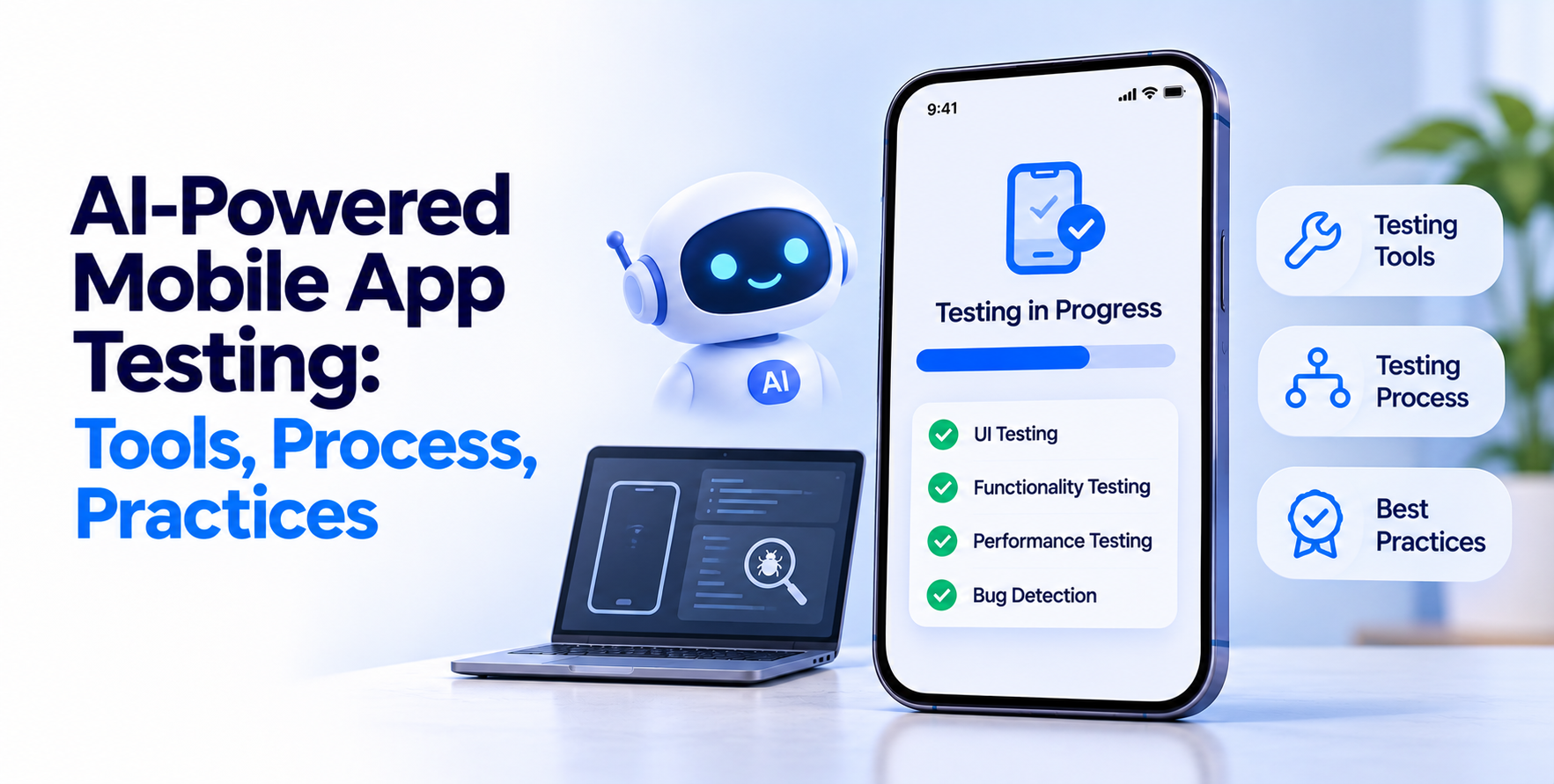
AI-powered mobile app testing means using machine learning to generate, maintain, prioritize, and evaluate tests across mobile platforms. It is not a replacement for a QA function.
It removes the repetitive parts: fixing selectors after a UI change, deciding which of 200 devices to test on, and spotting visual regressions a human scan would miss. The judgment calls stay human, and the teams getting value are clear about that line.
BrowserStack’s State of AI in Software Testing 2026, based on over 250 testing leaders, found 94% of teams now use AI in testing while only 12% have reached full autonomy.
The same report found 88% plan to raise AI testing budgets by more than 10%, and 37% name tool integration as their biggest obstacle. Read that together and the picture is clear. Adoption is settled. Integration is the work.
The highest-value application by a wide margin. Mobile UIs shift constantly, and brittle selectors break suites that were green yesterday. AI-powered mobile app testing tools track multiple attributes per element and re-resolve when one changes. Maintenance hours drop sharply.
Pixel diffing produces noise. Models trained on perceptual difference flag what a user would notice and ignore anti-aliasing shifts. This is where AI genuinely outperforms scripted checks on mobile, given how many screen sizes and densities exist.
Nobody runs the full suite on every device every commit. Models that weigh code change scope, historical failure data, and real user device distribution pick the subset worth running. That is how you keep CI under ten minutes.
Useful, with a caveat. Generated tests cover happy paths well and edge cases poorly. Treat the output as a first draft that a QA engineer edits, not as coverage you can count.
Clustering thousands of crash reports into distinct root causes is a pattern problem, and models handle it well. This shortens the loop between a production incident and a fix considerably.
A real-device cloud with AI layered across test generation, flaky test detection, and failure analysis. Its strength is breadth of physical devices, which matters because emulator-only results hide the problems midrange Android users actually hit.
Key features: 30,000+ real devices and browsers, AI test case generation, flaky test identification, visual testing, CI integrations
Best for: teams that need genuine device coverage alongside AI assistance
The open-source backbone of mobile automation, extended through plugins that add element classification and self-healing. You keep full control and pay nothing in license fees, but you own the integration work.
Key features: native iOS and Android support, open plugin ecosystem, self-healing add-ons, language-agnostic client libraries
Best for: engineering-led teams with the capacity to maintain their own framework
Visual AI specialist. Its models evaluate screens the way a person would, catching layout breaks across device sizes without drowning you in false positives from minor rendering differences.
Key features: perceptual visual comparison, cross-device layout validation, root cause analysis, integration with existing frameworks
Best for: consumer apps where visual polish directly affects conversion
Low-code platform built around auto-healing tests and continuous feedback inside CI pipelines. Fast to adopt because non-engineers can author and maintain coverage.
Key features: auto-healing tests, low-code authoring, CI/CD native, performance and accessibility checks
Best for: product teams where QA capacity is shared rather than dedicated
Natural language test authoring with AI maintenance underneath, covering mobile, web, and APIs from one place. Useful when your test cases are written by people who do not code.
Key features: plain-English test creation, unified mobile and web coverage, AI maintenance, parallel execution
Best for: mixed teams consolidating fragmented testing tools
Established cloud testing platform with AI-driven failure analysis and strong enterprise controls. The compliance and access-management depth often decides it for regulated clients.
Key features: real device and emulator grids, AI failure diagnostics, enterprise security controls, extensive analytics
Best for: large organizations with governance and audit requirements
Teams moving fast often skip stabilization, and it shows up later as the most expensive of the common mobile app development mistakes to unwind.
It cannot tell you whether a feature is worth shipping. It cannot judge whether an error message reads as helpful or insulting. It cannot infer the regulatory requirement your fintech screen violates.
It also struggles with genuinely novel interactions. Gesture-heavy interfaces, AR overlays, and hardware-dependent flows need human hands on real devices.
And it cannot own quality. Tooling reports; people decide. Teams that hand accountability to a dashboard find out at release time that nobody was actually reading it. If you are scaling QA capacity, it is usually faster to hire QA engineers who can direct the tooling than to buy more tooling.
Pick the one thing costing your team the most hours right now. For most mobile teams that is test maintenance, so start with self-healing on an already stable suite. Add visual AI next, then prioritization. Generation last.
AI-powered mobile app testing pays back fastest when it is inserted into a pipeline that already works, not used to rescue one that does not.
EngineerBabu builds QA into app delivery rather than bolting it on at the end, combining AI-assisted coverage with human review where it counts. Talk to the team of engineerbabu about your testing setup.
No. AI handles repetitive maintenance and pattern detection. Exploratory testing, usability judgment, and regulatory review still require engineers, and current autonomy levels across the industry remain low.
Most platforms price per parallel session or per user, typically ranging from a few hundred to several thousand dollars monthly. Open-source Appium plus plugins shifts that cost to engineering time.
Partially. Tools can crawl an app and generate baseline coverage, but output quality depends heavily on app structure. Expect a draft requiring substantial engineer review.
Yes. Major platforms support both, though element identification can need extra configuration for custom components compared with fully native builds.
Track escaped defects, maintenance hours per sprint, and pipeline duration. If bugs reaching production do not fall within two release cycles, the setup needs rework.