How to Choose a Mobile Database: SQLite, Realm, Room and WatermelonDB


Create engaging, high-performance mobile applications tailored to your business needs. We craft future-ready apps that offer smooth user experiences on all devices.
Build robust and scalable websites and CMS platforms that help you manage content effortlessly. Our development ensures a seamless digital presence.
Launch secure, feature-rich online stores with intuitive shopping experiences. We build tailored eCommerce platforms designed for growth.
Design captivating games with immersive gameplay and stunning graphics. From concept to launch, we build engaging experiences that players love.
Enhance your customer relationships with customized Salesforce implementations. Drive growth and efficiency with smarter CRM solutions.
Harness artificial intelligence and machine learning to automate workflows and gain actionable insights. Our AI transforms data into smart decisions.
Accelerate your software delivery lifecycle with continuous integration, delivery, and infrastructure automation to boost efficiency.

Most database decisions get made in about eleven minutes, usually by whoever scaffolds the project. Then the app grows to 40,000 local records, the list starts stuttering on mid-range Android, and that eleven-minute decision costs a six-week rewrite.
Nobody intends to pick badly. They just pick before knowing what the app will actually have to do.
TL;DR
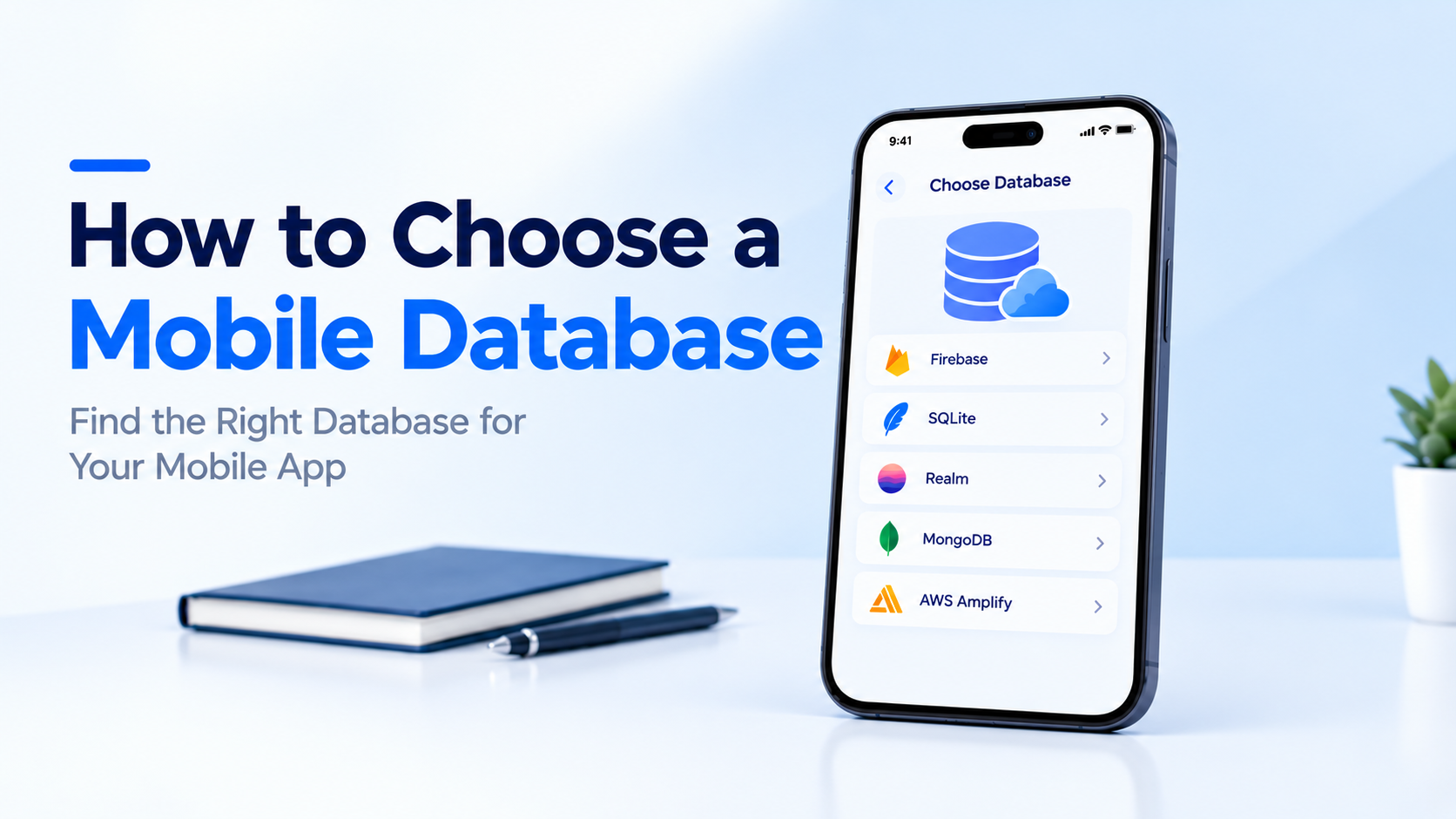
When you choose a mobile database, you are picking a local storage engine that lives inside the app and keeps working when the network does not. The four realistic options are SQLite, Room, Realm, and WatermelonDB.
SQLite is the raw relational engine. Room is Google’s typed wrapper over SQLite. Realm is an object database with its own storage engine. WatermelonDB is a reactive layer built on SQLite, designed for React Native apps with heavy data.
Demand for this category keeps climbing. The embedded database system market is expected to reach US$ 23.55 billion by 2034, up from US$ 11.71 billion in 2025, at an 8.08% CAGR, per The Insight Partners.
A news reader that caches twenty articles has different needs than a field inspection app used in basements with no signal. The second one needs conflict resolution, a sync queue, and a schema that tolerates stale writes.
Be honest about which one you are building. Offline-capable and offline-first are not the same product.
Count the joins. If your domain has invoices with line items, customers, and tax rules, you want SQL. If your domain is a flat list of objects with nested properties, an object database maps more cleanly.
Forcing deeply relational data into an object store produces manual join code that nobody wants to maintain.
Three hundred rows behaves identically everywhere. Three hundred thousand does not. Ask what the heaviest user looks like after eighteen months, then test against that number, not against seed data.
A Kotlin team shipping with Kotlin app development patterns will be productive in Room on day one. A React Native team will not. The cost of unfamiliar tooling shows up as bugs, not as calendar time.
SQLite ships inside both Android and iOS development. It is the most deployed database engine in the world, it has no server, no license cost, and no runtime dependency to manage.
You write SQL. You get full relational power, transactions, indexes, and a file format that will still open in fifteen years.
The one real complaint is boilerplate. Raw cursor handling and manual mapping get tedious quickly in Android app development, which is exactly the problem Room was built to solve.
Room is Google’s persistence library sitting over SQLite. You define entities as data classes and DAOs as interfaces, and Room validates your SQL at compile time.
That compile-time check is the headline feature. A typo in a column name fails the build instead of crashing in production.
Room also integrates cleanly with Paging 3 for large lists, and plays well with WorkManager when you sync through an API development layer in the background.
Realm stores objects directly rather than mapping rows to classes. There is no ORM translation step, which is why reads often land noticeably faster than SQLite for object graphs.
Live objects are the standout feature. Query results update automatically when the underlying data changes, so your UI stays in sync without manual refresh logic.
Two caveats matter. Realm is now under MongoDB, and the Atlas Device Sync service was deprecated, so plan your own sync path. Also, Realm objects are thread-confined, which trips up teams new to it.
WatermelonDB is not a storage engine. It is a reactive layer over SQLite designed for one specific pain: React Native apps where a huge local dataset makes the JS bridge the bottleneck.
Its trick is lazy loading. Nothing gets read from disk until a component actually subscribes to it, so a 50,000-record table does not block your launch screen.
Teams comparing options here often weigh it alongside the trade-offs in Ionic vs React Native, since the data layer choice is downstream of the framework choice.
| SQLite | Room | Realm | WatermelonDB | |
| Model | Relational | Relational | Object | Relational, reactive |
| Platforms | All | Android only | iOS, Android, RN | React Native, web |
| Query style | Raw SQL | SQL + DAO | Object queries | Query builder |
| Reactive | No | Yes, via Flow | Yes, live objects | Yes, observables |
| App size impact | Near zero | Minimal | 4 to 10 MB | Small |
| Best at | Control | Type safety | Read speed | Huge lists |
| App type | Reasonable pick |
| Native Android, relational data | Room |
| Native iOS, object-shaped data | Realm |
| Cross-platform with shared models | Realm |
| React Native, heavy local data | WatermelonDB |
| Simple cache or key-value needs | SQLite, or skip the database |
That last row matters more than people expect. Not every app needs a database. If you are storing a token and three user preferences, DataStore or MMKV will do the job in a fraction of the code.
Migrations are where mobile databases get painful, because you cannot force every user onto the new version at once. Older app builds stay installed for months.
Write your first migration before you ship version one, even if it only bumps the version number. It forces the path to exist. Room generates migration stubs and fails loudly on a missing one, which is better than silent data loss.
Realm handles additive changes automatically but needs a migration block for renames and type changes. Test every migration against a copy of a real production database file, not a freshly seeded one.
There is no universally correct answer here. You choose a mobile database the same way you choose any other architectural component, by naming your constraints first and letting them narrow the list.
Relational data on Android points to Room. Object graphs across both platforms point to Realm. Enormous local datasets in React Native point to WatermelonDB. Everything else usually points back to plain SQLite, which has survived twenty-five years of this exact debate.
Make the call with your year-two data volume in mind and the decision tends to hold. If you want a second opinion before you commit, EngineerBabu can benchmark the options against your actual schema.
Yes. It remains the most widely deployed database engine on mobile, costs nothing, adds no dependency, and handles relational data well. Most alternatives are wrappers or layers built on top of it.
For object reads, usually yes, because Realm skips the ORM mapping step. For complex relational queries with multiple joins, SQLite often performs better. The answer depends entirely on your data shape.
No. Room is Android only. If you need a shared data layer across both platforms, Realm or raw SQLite through a shared layer are the realistic options.
When you are holding tens of thousands of local records and the bridge becomes your bottleneck. Below roughly five thousand records, the extra setup rarely pays for itself.
Build a change queue with timestamps or version vectors, define a conflict resolution rule, and sync incrementally rather than in full. Realm’s managed sync service was deprecated, so most teams now implement this themselves.